OCTOBER 2026
What's New
Course updates, new lessons, fresh blog posts, YouTube tutorials, and the latest from the Rive ecosystem.
Add real depth to the 3D card (parallax)
New free tutorial, part two of the card. The frame becomes a window: eight flat layers sit behind and in front of it at their own depth, snow falls on two levels, and the text is live. Written version with the file included.
Video · Sep 22
Rive Shaders Explained: what they are and how to use them
Vector art is flat by design. A shader gives Rive the pixel look, grain, fog, metal, fire, without storing a single pixel. New explainer with five live shaders inside the article.
Free Content · Sep 18
Rive Shader Library: 28 shaders, live in your browser
Play with noise, plasma, fire, holographic foil and more, then take them into Rive. Noise is free as a Rive file; every shader comes with the Scripting Course as one library file.
Free Content · Sep 18
Shaders and 3D in Rive: what GPU Canvas changed in the space game
A fire shader, a glitch start screen and a holographic HIT stamp in real 3D, added to the Scripting Course game. Three live shaders you can tune in the article, and the game itself is playable on the site.
Free Content · Sep 16
Build a 3D Pokémon style card in Rive
New free tutorial. A card that tilts toward your cursor, catches the light as it turns, and shifts colour like real foil, built with shaders on Rive's new GPU Canvas. The finished file and every prompt I used are free.
Video · Sep 8
Recreate Duolingo's 3D Button in Rive
New free tutorial: build Duolingo's famous 3D button from scratch. The two-shape depth trick, press states with easing, and data binding that reskins the whole button in one click. Finished file included.
Video · Aug 25
New Tutorial: Duolingo's 3D Button in Rive
Build Duolingo's famous 3D button from scratch: the press effect, states, and a color you can swap in one click. Fun fact: Duolingo builds its animations in Rive.
Free Content · Aug 23
Turn your Rive file into a real app with AI
New tutorial: I take a finished Rive file and turn it into a real iPhone and Android app using AI, no hand-written code. The free prompt pack I used is included.
Video · Aug 12
Reversing a rotation constraint now uses Copy = -1
Rive changed how rotation constraints behave. You can no longer type a negative value to reverse the direction. Set the Copy value to -1 instead. Short walkthrough inside.
Rive News · Jul 30
Auto Trace & Auto Weights Upgrade Rigging
Auto Trace turns an image into a mesh, and Auto Weights assigns bone weights for you, on both image meshes and vector paths. The manual workflow from the lessons still works and teaches you what the automation is doing.
Rive News · Jul 23
Turn your Rive into a shareable video
A free tool that records your .riv playing and saves it as an mp4 you can post anywhere. Everything runs in your browser, nothing gets uploaded.
Free Content · Jul 16
Figma Motion vs Rive: Animating Along a Path
Both Figma Motion and Rive can move an object along an exact path, in very different ways. A new video and written guide comparing them with a leaf and a train, and when to use each.
Video · Jul 15
Scripting course: Tier 2 is complete
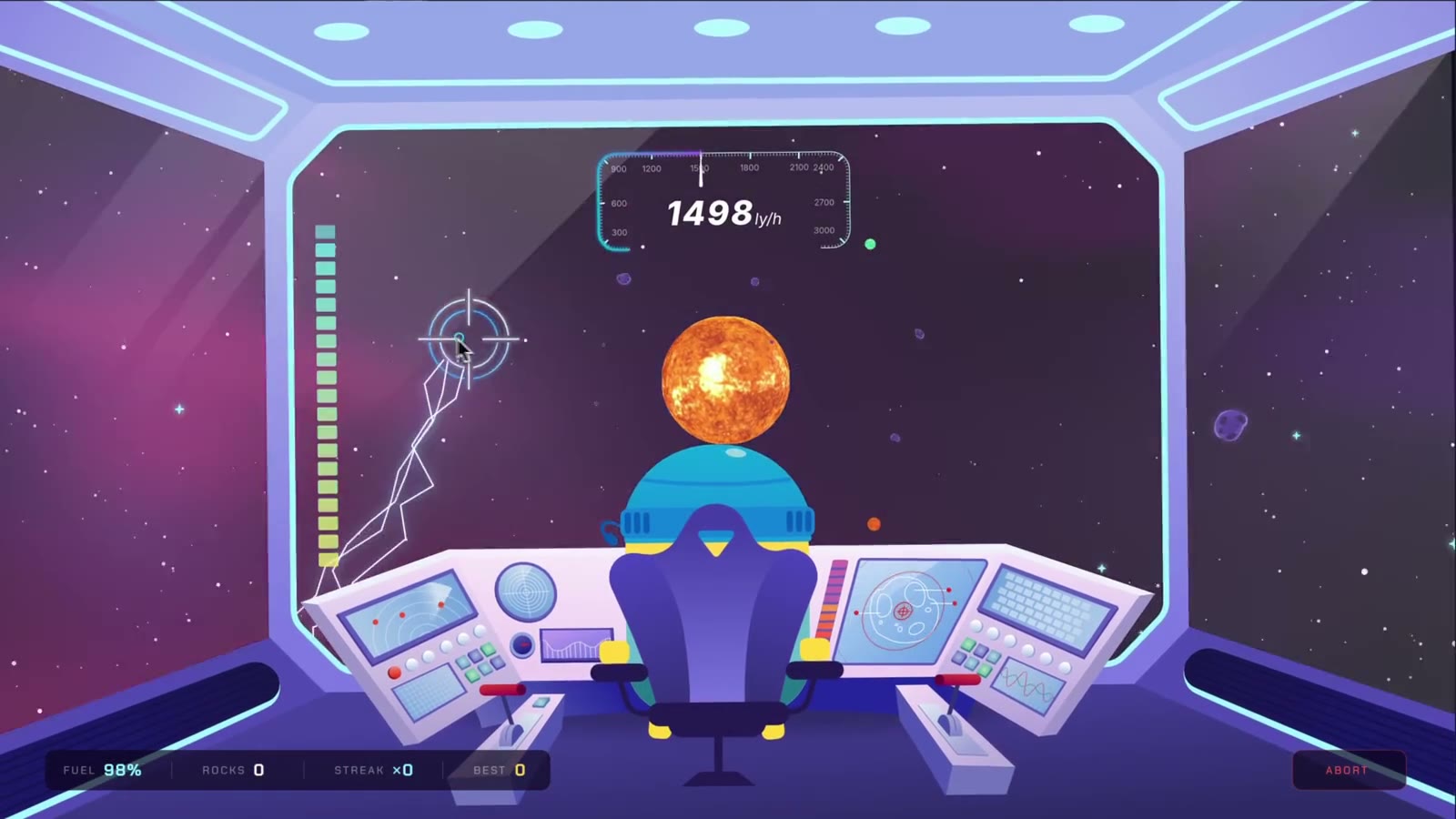
Every Tier 2 lesson of Weather Buddy in Space is now live. Cockpit parallax, the speed gauge, and the fuel bar are all done, so your spaceship is fully built and flying.
Course · Jul 6
New: The Cockpit Challenge
Make the cockpit yours. Animate every screen, gauge, and light, your way.
Course · Jul 4
A Figma Motion course is coming
I'm building a short, beginner-friendly course on Figma Motion, for designers who have never touched a timeline. Join the waitlist to be first in line.
Course · Jun 29
Figma Motion vs Rive: What's Actually Different (2026)
Figma shipped Motion at Config 2026. I tested it against Rive. Here's where things actually stand.
Free Content · Jun 25
Rive Now Connects to AI Tools via MCP
Rive Editor now connects to Claude Code, Cursor and Codex through MCP. What that gives you over the built-in agent, the limits, and how to set it up in two minutes.
Rive News · Jun 12
Where Everything Moved in the New Rive Editor
A new video and written guide mapping where inputs, listeners, nested artboards, effects, the console, and the panel system moved in the modern Rive editor.
Video · Jun 10
New Lesson: Bonus - Snow Particle System with Scripting
Build a dynamic snow particle system with one AI Agent prompt and wire it to the weather state.
Course · May 29
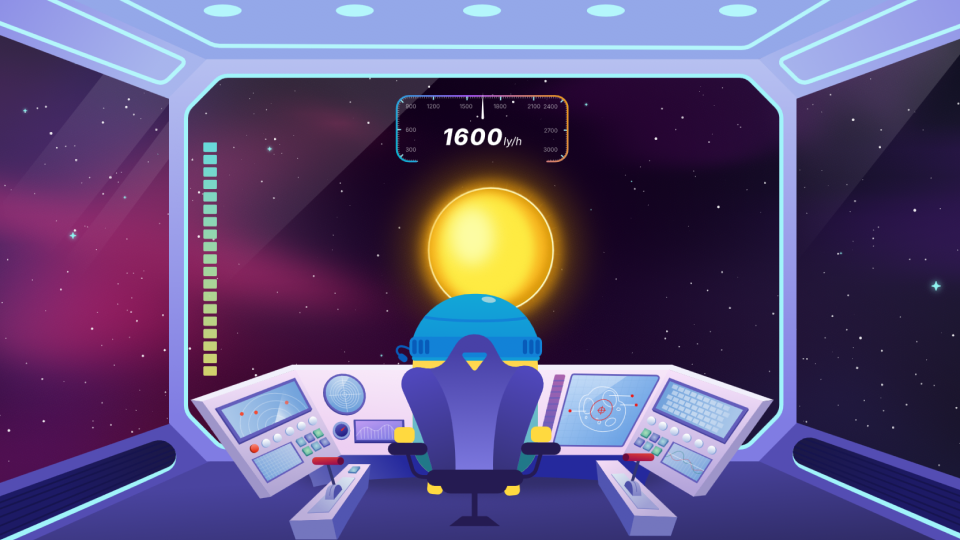
New Lesson: Make the Spaceship Drift Up and Down
The spaceship and world now drift vertically with cursor Y, completing the parallax in both axes using the same Converter pattern.
Course · May 29
The Artboard Clip Option Moved
The Clip checkbox for artboards is in a different spot than in the videos. Same option, same behavior, new location.
Rive News · May 28
Stop Exporting Figma to Rive! (Do This Instead)
A better workflow for bringing Figma designs into Rive — without the export bottleneck.
Video · May 19
View Model Instances Get a Table View
You can now see and edit all your view model instances side by side in a table, instead of switching between them one at a time like in the videos.
Rive News · Apr 15
How to Create a 3D Coin Flip in Rive With Just 3 Elements
Build a realistic 3D coin flip animation in Rive using just 3 elements. No plugins, no exports.
Video · Apr 15