Figma Motion vs Rive: What's Actually Different (2026)
When Figma announced Motion at Config 2026, I had one question: does this replace Rive?
I spent some time testing it. Short answer: no. But the longer answer is actually interesting.
What Figma Motion Actually Is
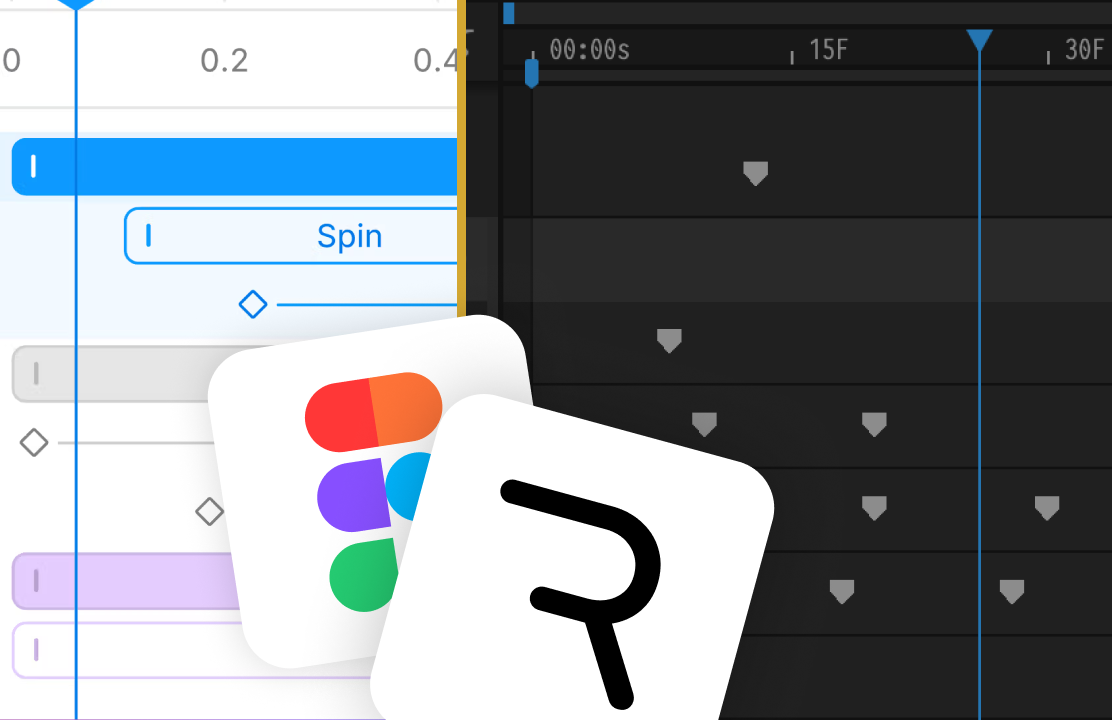
Figma Motion adds an Animate Mode directly inside Figma Design. You toggle into it, and your frames get a timeline.
What you get: keyframes, easing curves (including cubic, the same easing model Rive uses), a work area, loop modes (regular, ping-pong, ease loop), and an origin point per object. There's also an AI agent that can generate full animation sequences from prompts. Things like "fade in all images, slide and fade in text concurrently, fade out to create a perfect loop" in one shot, fully editable afterward.
One thing worth knowing: all of this animation happens at the artboard level. You're animating frames. There's no state machine, no logic, no constraints, no bones.
Animations do work on Figma components: animate once and every instance updates. But component animations can't communicate with each other. No data binding, no input. Using an animated Figma component is essentially like dropping a Lottie file into your design.
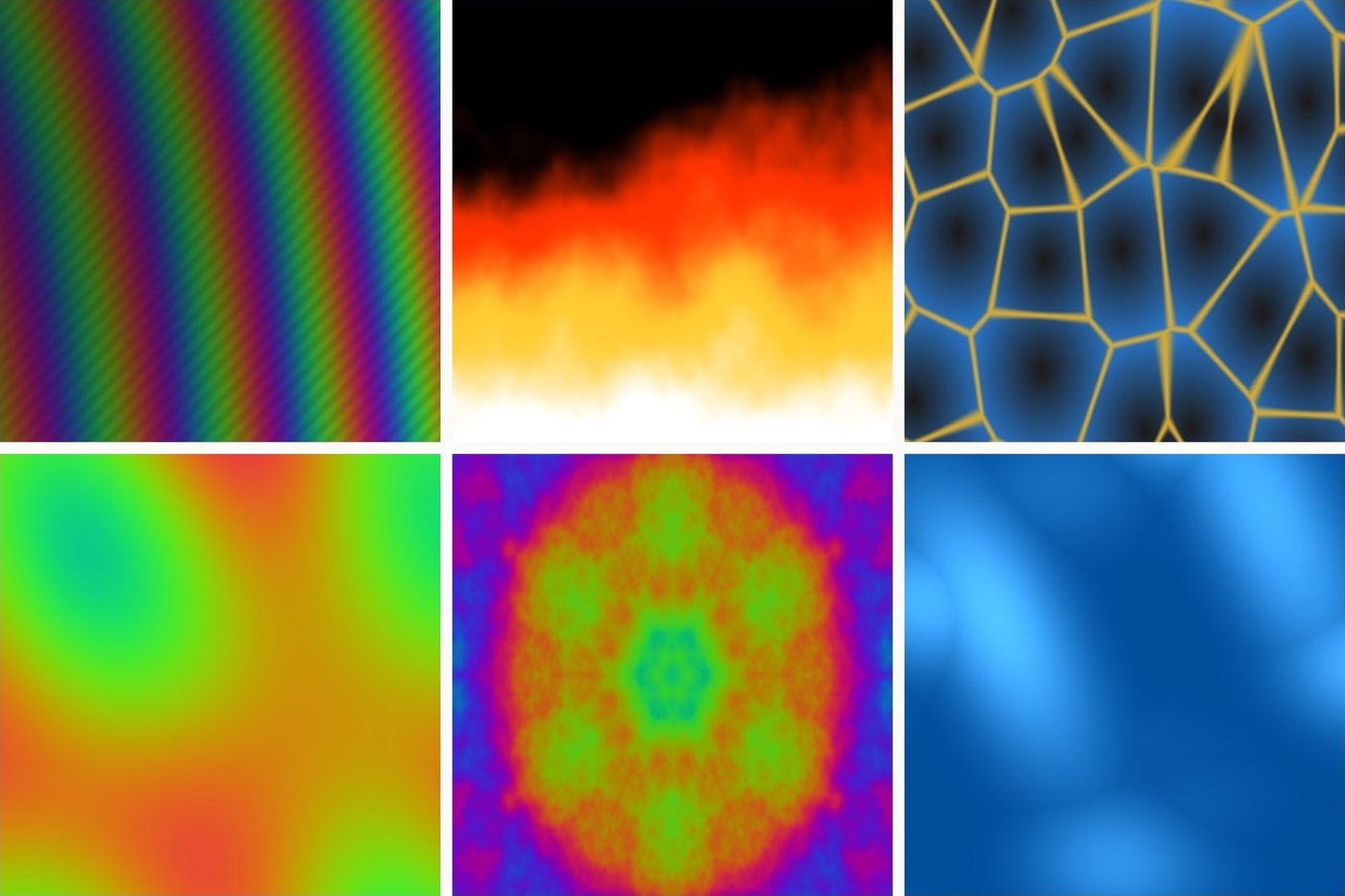
Figma also introduced Shader Effects as a separate feature: visual effects like outlines, noise displacement, and chromatic aberration that you can apply to designs. These can be animated alongside Motion, which opens up some expressive results. But shaders are their own feature, not part of Motion itself.
Experimenting with both tools to recreate the glasses shine animation from my Weather Buddy project.
Export Options
When you're done animating, Figma Motion lets you export as MP4, WebM, GIF, or animated SVG. The SVG is the most useful one: lightweight, scalable, and you can even import it back into Figma.
One thing to keep in mind: whatever format you export, it plays the same way every time. More on that below.
The One Thing That Changes Everything
A Figma Motion export is a finished file. It plays the same way every time.
Think of it like a video. You design the animation, export it, and developers drop it into the product. The animation runs the same way on every screen, for every user, in every context.
A Rive animation is different. It runs live inside your product and responds to what's actually happening.
A button in Rive knows when it's being pressed. A loading spinner knows when the data has loaded. A character knows which direction it's moving. Rive reads events from your product and reacts to them in real time.
What you design in Figma is what plays. Always the same.
What you build in Rive responds. It's a live program, not a finished file.
That difference drives almost everything else in this comparison.
State Machines
This is where the gap becomes clearest.
From what I've seen, everything in Figma Motion lives on one timeline per artboard. One sequence of keyframes that plays. There are no multiple timelines, no states, no conditions. The artboard doesn't know what's happening around it.
In Rive, a state machine defines how an animation behaves. A button has an idle state, a hover state, a pressed state, maybe a disabled state. These states connect to user input, to code, to real data. The state machine ships with your product and users interact with it directly.
Figma Motion is still in beta. Where it goes from here is an open question. But right now, one timeline per artboard is what you get.
Rive's state machine is what ships. There's no equivalent in Figma Motion today.
What Rive Has That Figma Motion Doesn't
After spending time with Figma Motion, here's what I kept running into.
Rigging and bones. Rive lets you rig characters: add a skeleton, bind mesh points to bones, deform shapes as the rig moves. This is how you animate a character's arm without redrawing every keyframe. Figma Motion has no rigging system.
Constraints. In Rive, constraints let objects respond to other objects or to the user. An eye can follow the cursor. A limb can maintain its length as it rotates. A pin can hold one point in place while the rest deforms. None of this exists in Figma Motion. Every object on the timeline is independent.
Multiple timelines. Each Rive artboard can have multiple animations: idle, walk, run, blink, wave, and a state machine decides which one plays based on what's happening in the product. Figma Motion gives you one timeline per artboard. One sequence. That's it.
Logic and interactivity. There's no way to make a Figma Motion animation react to user input, read data, or change behavior based on conditions. It's a file that plays. Rive is a program that runs.
Data binding. In Rive, you can bind animation properties directly to real data: a progress bar that fills to the actual percentage, a number that updates live, a state that changes based on what your app sends. The animation is connected to your product. In Figma Motion, what you design is what plays. No variables, no live data.
Rive Masterclass + Rive Scripting
Master Rive for real products.
Get Both for $219Both courses for $219. Save $49.


Rive Masterclass + Rive Scripting
Master Rive for real products.
Both courses for $219. Save $49.
Scripting. Rive has a full scripting layer (Lua-based), with an AI agent that writes it for you. You can write custom behavior, respond to events, manipulate properties in real time. Figma Motion has no scripting.
These aren't edge cases. They're the core of what makes production animation different from prototyping animation.
What About AI?
Both tools have AI, but they're doing different things.
Figma Motion's agent generates full animation sequences from prompts. One prompt, one shot, fully editable on the timeline afterward. That's genuinely useful for fast prototyping.
Rive's AI agent can generate keyframe animations too: describe a blink, a sequence, a loop, and it builds the timeline. But it also writes scripts. Describe a behavior: "generate falling snow particles" and the agent writes Lua code that creates them dynamically at runtime. Ask it to animate the glasses shine and it creates keyframes. Ask it to make it snow and it writes a program. Figma's agent stops at the timeline.
I wrote more about how to get the best out of Rive's scripting agent in this guide to Rive scripting best practices. If you haven't tried it yet, that's the place to start.
Figma and Rive: Better Together
Something worth knowing: Figma and Rive aren't enemies. Many designers use both in the same project.
The typical workflow: design the screens and components in Figma, export the assets, then import them into Rive to add interaction and animation.
If you've never tried this, there's a simpler way to move assets between the two tools than most people realize. I covered the full process in How to Import Figma Assets into Rive in One Click.
Figma Motion makes the design side of this workflow even stronger. Now you can prototype the animation inside Figma, share it with your team, and then build the real interactive version in Rive.
How Does This Compare to Other Tools?
If you're wondering where Lottie fits: it's a different question.
Lottie has its own editor and even basic state machines. But the interactivity is much more limited than Rive. Figma Motion is also adding Lottie export soon, so you'll be able to design in Figma and ship directly to Lottie.
If you want the full breakdown, read the Rive vs Lottie comparison here.
Quick Comparison
| Figma Motion | Rive | |
|---|---|---|
| Timeline animation | Yes | Yes |
| AI animation generation | Yes (full sequences) | Yes (scripting agent) |
| Shader effects (separate feature) | Yes | Yes |
| State machines | No | Yes (production) |
| Layered animation | No | Yes |
| Constraints | No | Yes |
| Bones / mesh deformation | No | Yes |
| Layouts | Yes | Yes |
| Runtime interactivity | No | Yes |
| Data binding | No | Yes |
| Scripting | No | Yes |
| Export as video / GIF / SVG | Yes | Yes |
| Runs live inside apps and websites | No | Yes |
| Figma integration | Native | No |
Do They Compete?
Less than it looks.
Figma Motion fills a gap that existed for years. There was no good way to prototype and spec animations inside Figma without a plugin. Now there is. That's a good thing.
But Rive was never trying to replace Figma. Rive is for the moment after design. When the animation needs to live in a product, respond to real users, and run at production quality.
If anything, Figma Motion helps Rive. Designers who start animating in Figma will understand motion better. They'll hit the ceiling of what a static export can do. They'll start asking what can actually react, change state, connect to real data.
That's where Rive starts.
My Take
Figma Motion is still in beta. There's more to explore.
Cool and actually useful for simple animations inside Figma. You can even export as an SVG animation. Just not replacing Rive anytime soon.
The things that make Rive what it is: state machines, logic, constraints, bones, runtime interactivity, scripting. None of that is here. Figma Motion animates artboards. Rive builds behavior.
Those are different tools for different jobs.
The designers who go furthest are already doing both: prototype in Figma, deploy in Rive.
I'll update this as Figma Motion evolves out of beta. But right now, Rive still wins for production interactive animation.
Want to get the Figma side down first? I'm building a short, beginner-friendly Figma Motion course for designers who have never touched a timeline. Join the waitlist and you'll be first to know when it launches.
Get more Rive tips
Weekly tutorials, new lessons, and Rive community highlights — no spam.