Riv File Viewer
Test and debug Rive animations on real iPhones and iPads. No Xcode required.
Open and debug .riv files on your device
The Riv File Viewer is a free iOS and iPadOS app for testing Rive animations where they will actually run. Load a .riv from a link or from your device, then drive its state machines, edit data binding live, and inspect the fonts, images, and audio inside the file. Everything stays on your device. There is no account, and nothing is uploaded.
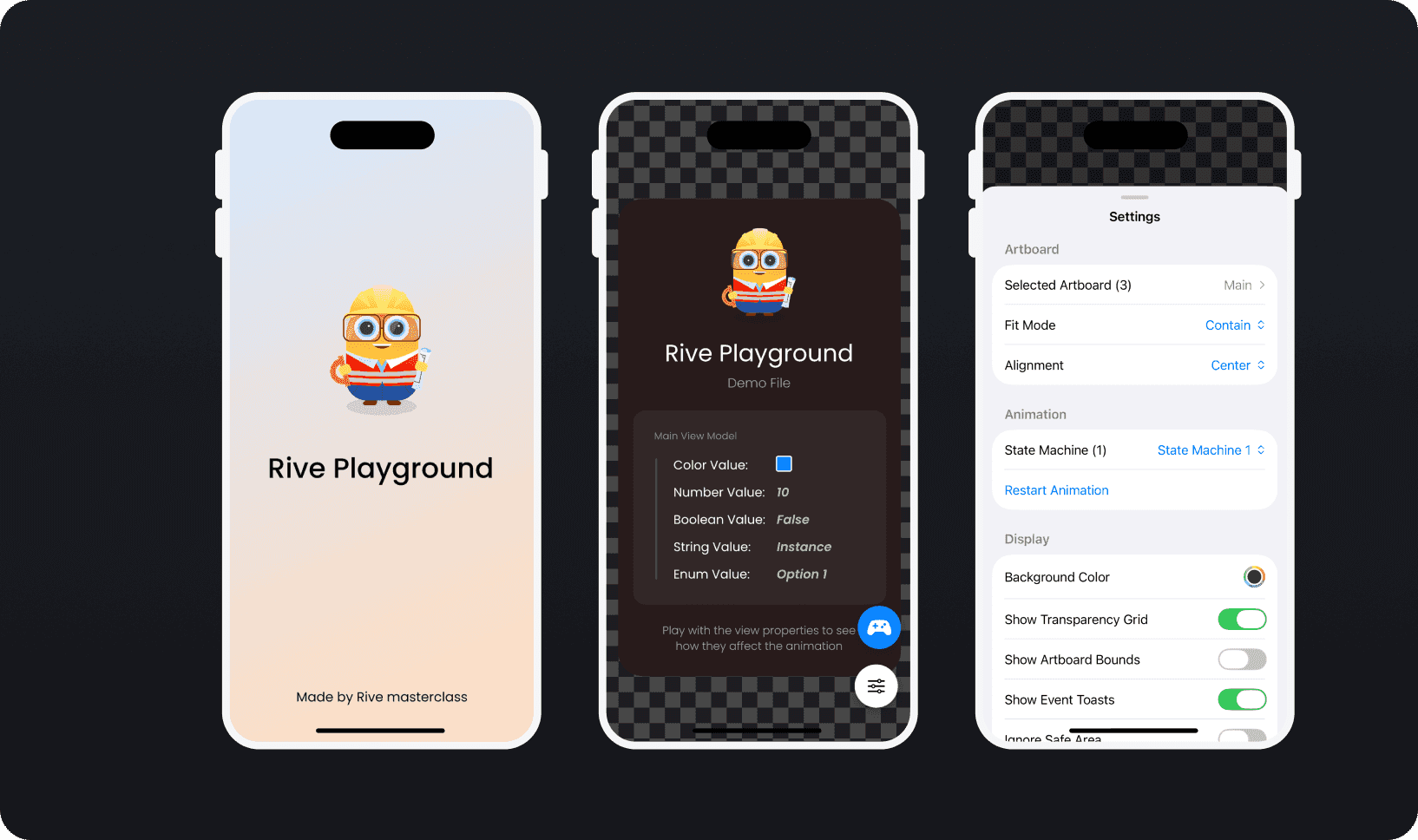
Preview and customize
Test how your animation looks and behaves.
All fit modes (Contain, Cover, Fill, Fit Width, Fit Height, None, Scale Down)
Switch between artboards and state machines
Custom background colors
Transparency grid
Artboard bounds overlay
Ignore safe area for edge-to-edge testing
State machine inputs
Control your animation's logic directly.
| Input Type | Control |
|---|---|
| Boolean | Toggle switch |
| Number | Stepper or direct input |
| Trigger | Fire button |
Changes apply instantly. Watch your animation respond in real time.
Data binding
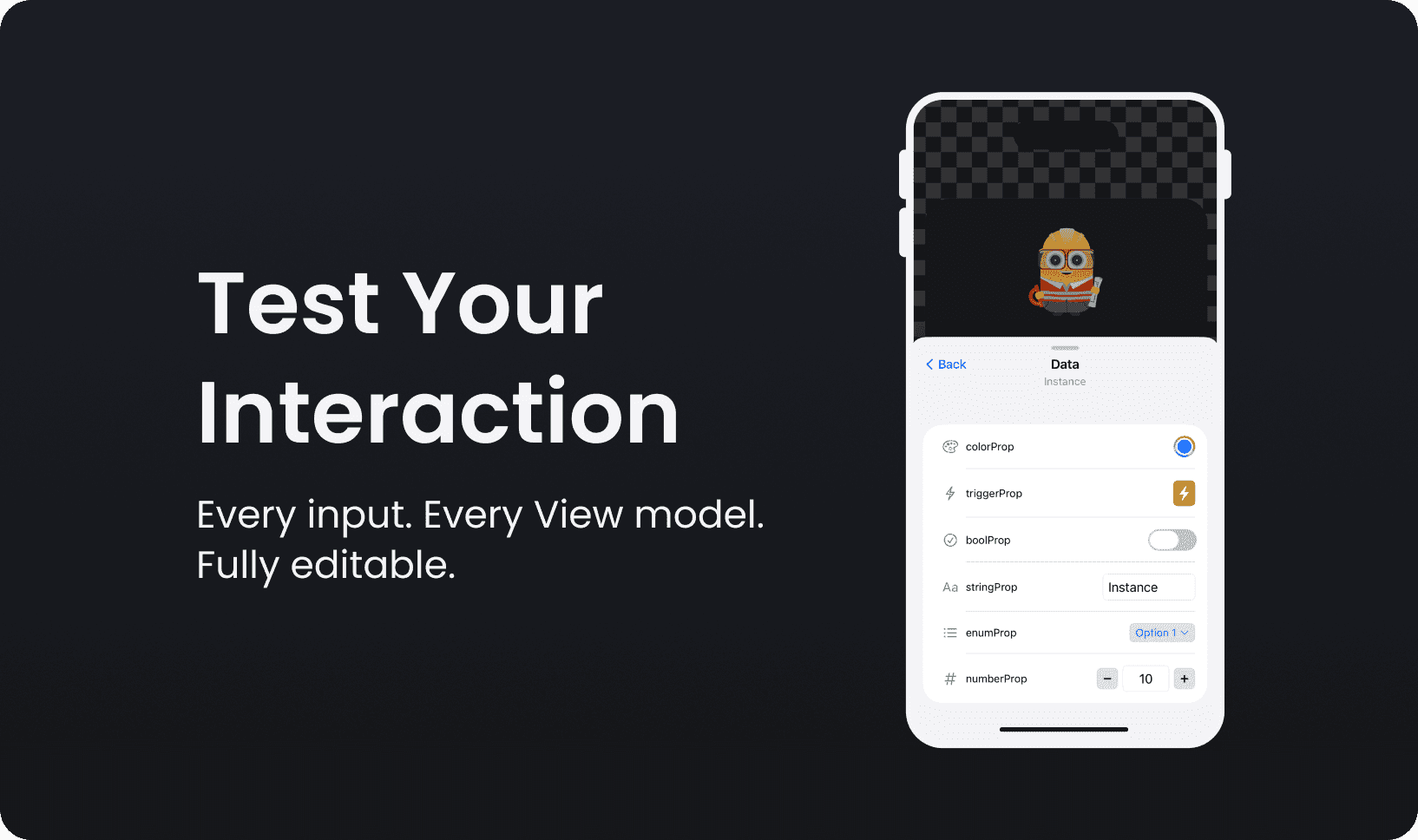
Edit View Model properties live.
| Property Type | Control |
|---|---|
| String | Text input |
| Boolean | Toggle |
| Number | Stepper |
| Color | Native color picker |
| Enum | Dropdown |
| Trigger | Fire button |
No code. Just change values and see results.
Joystick controller
Pin frequently-used controls to a floating panel.
Drag anywhere on screen
Snaps to edges
Collapse to icon
Inline editing
Works with inputs and data binding properties
Console and debugging
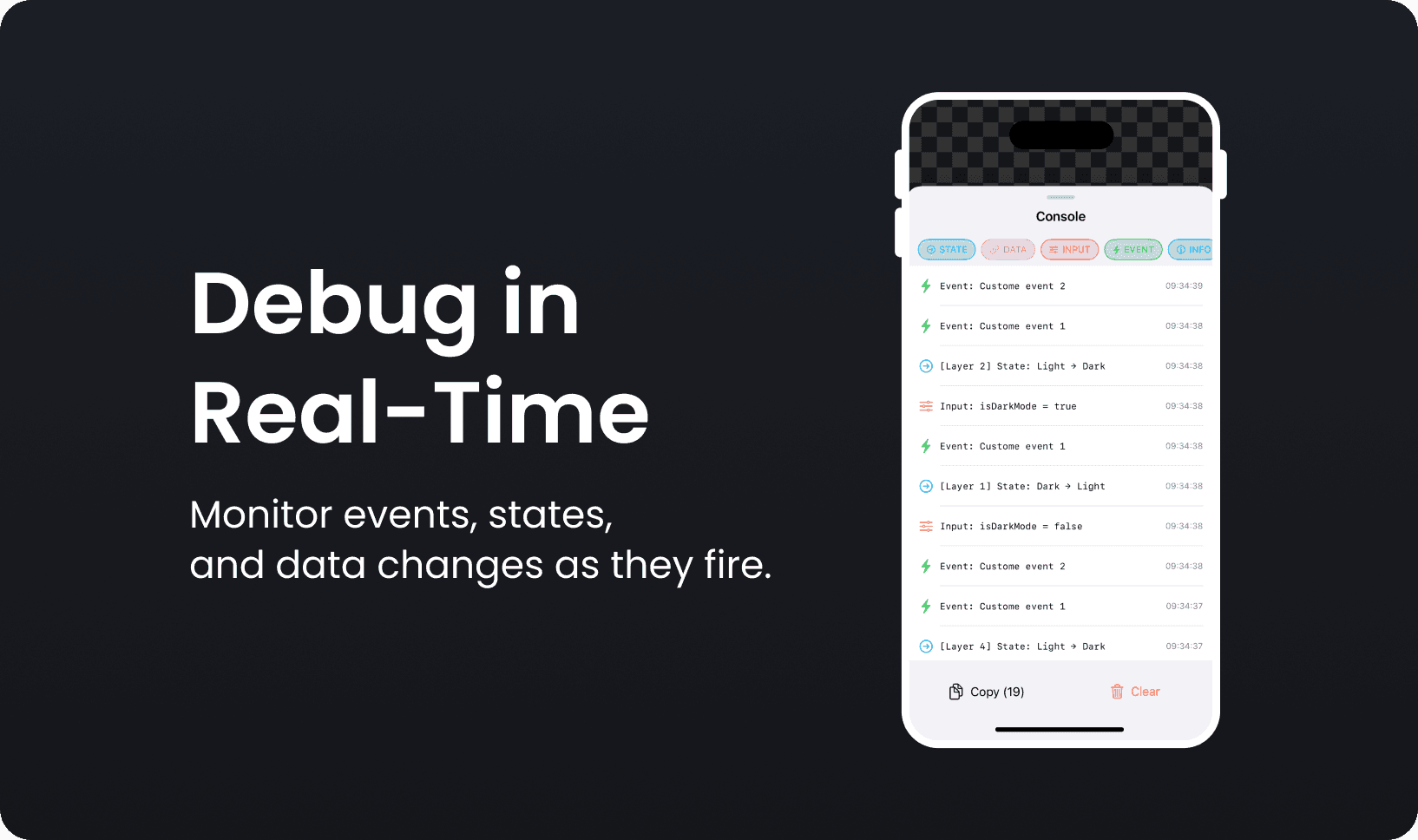
See what's happening inside your animation.
| Log Type | Shows |
|---|---|
| State Changes | Transitions with layer info |
| Data Binding | Property value changes |
| Input Changes | Input modifications |
| Events | Rive events fired |
| Errors | Problems and issues |
Filter by type. Copy logs. Clear and start fresh.
Asset inspector
See everything embedded in your .riv file.
Fonts
Images
Audio
File sizes (individual and total)
Zoom and controls
Zoom 50% to 200%
Triple-tap to reset
Two-finger long press for distraction-free mode
Haptic feedback
Requirements
| Requirement | Details |
|---|---|
| Platform | iOS 18.0+ / iPadOS 18.0+ |
| Devices | All iPhones, all iPads |
| File format | .riv files |
| Internet | Optional (for URL loading only) |
| Account | Not required |
Privacy
Your files stay on your device
No data collection
No analytics
No tracking
No account required
Everything is local. Nothing leaves your device.
Frequently asked questions
Other free Rive tools
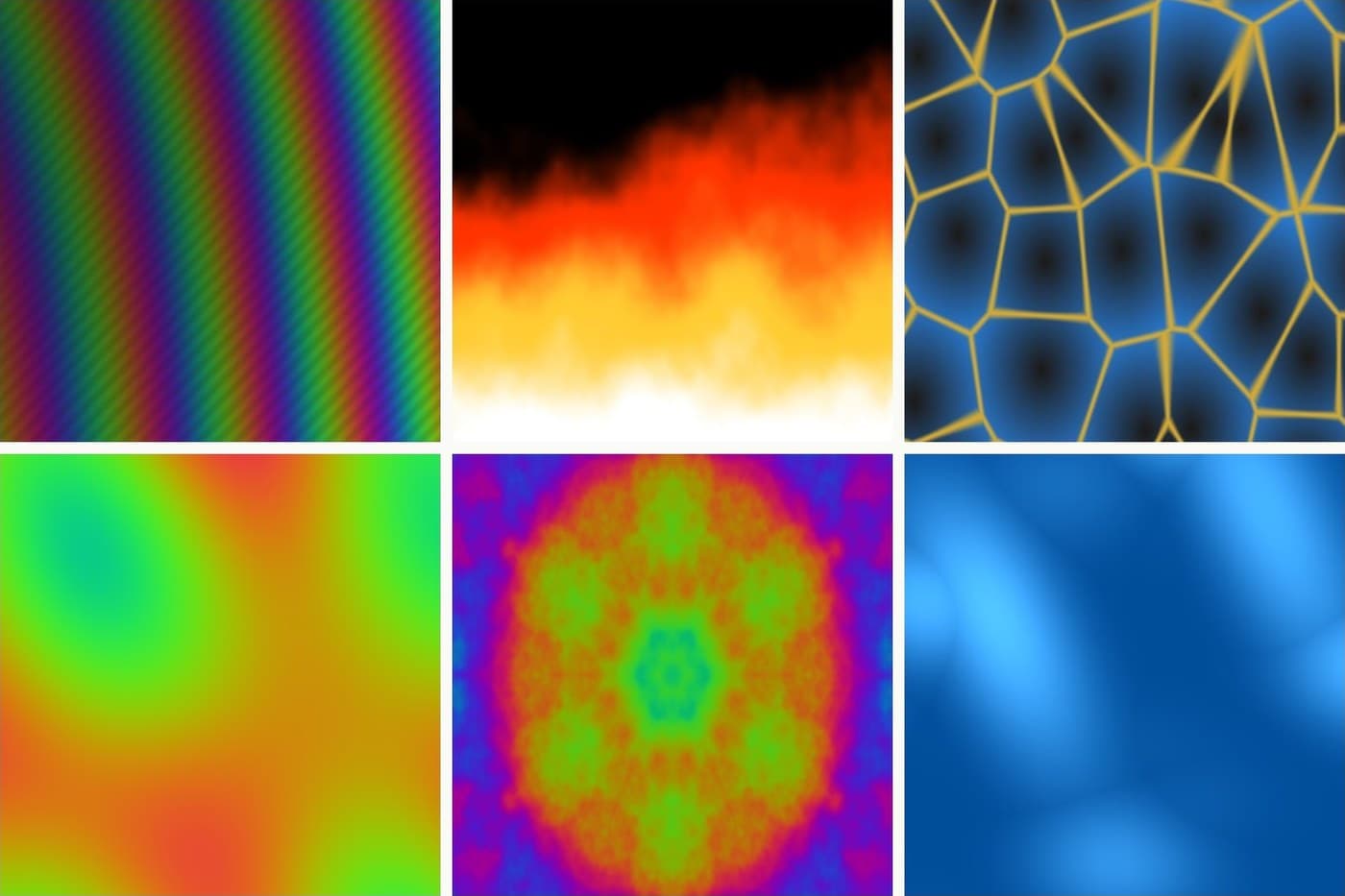
Rive Shader Library
28 shaders running live in your browser. Tweak the knobs, then take any of them into Rive as a ready-made GPU Canvas node.
Rive to Video Converter
Record a Rive animation playing and save it as a shareable mp4. Runs in your browser, nothing gets uploaded.
Embed Rive on Your Website
Paste a public .riv URL and copy an iframe embed code. Add a live Rive animation to any site, no SDK needed.