Rive Editor Updates
Rive moves fast. Every editor change, explained and matched to the lessons it touches, so nothing you learn here ever feels out of date.
Constraints now show in the Hierarchy
Constraints now appear as their own rows in the Hierarchy, under the object they constrain. In the videos they only show up in the Inspector.
InterfaceSelect Only: grab bones without the artwork
Viewport Options can now limit selection to one kind of object, so you can grab a bone without picking up the artwork sitting on top of it.
InterfaceGPU Canvas is now on for everyone
GPU Canvas left Early Access and is on in the normal editor for every user, and its content now plays on share links and in the Marketplace.
GeneralAssign a view model from the artboard header
The artboard header has a View Model button now, so you can assign a view model straight from the stage instead of the Inspector.
Interface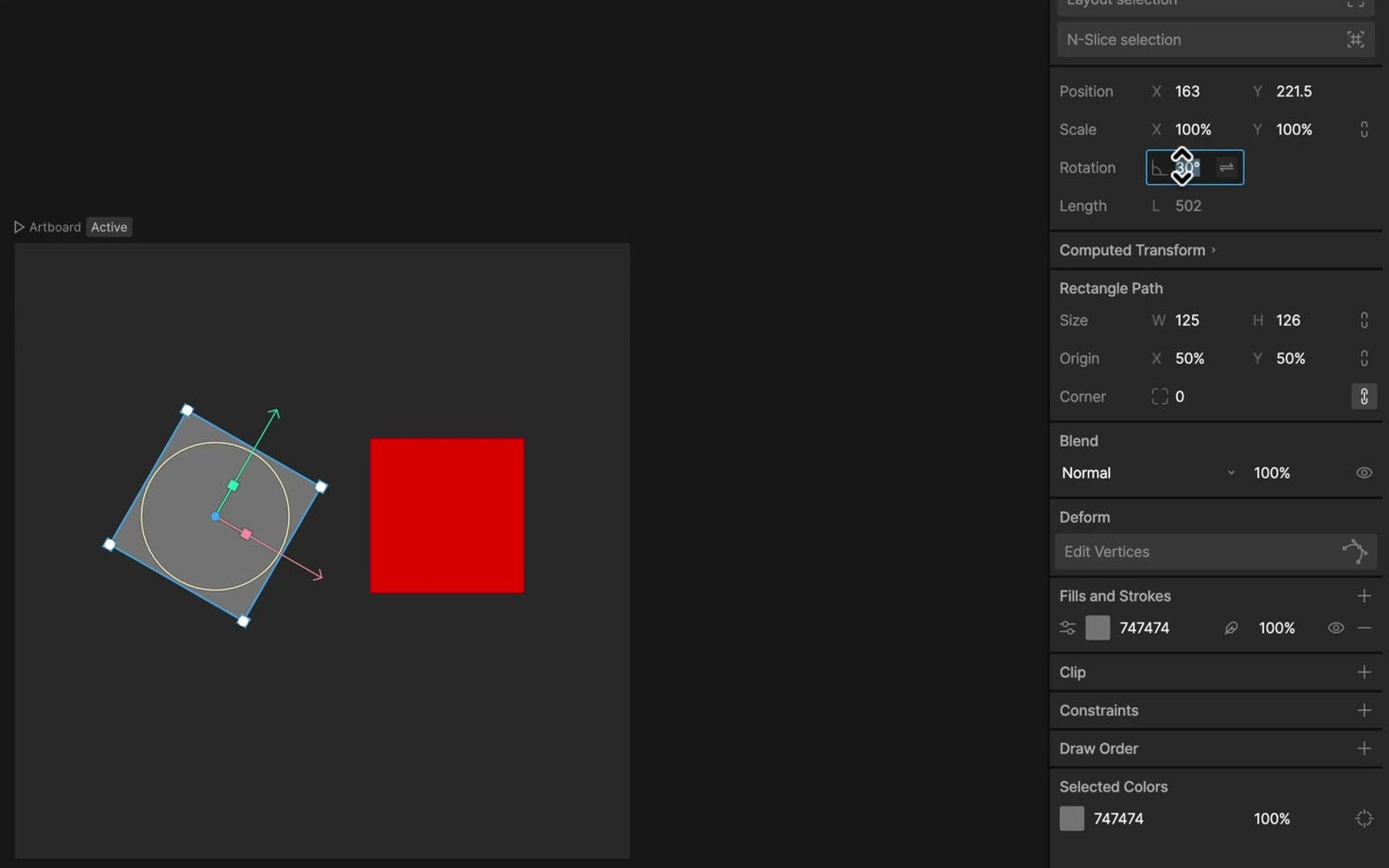
Reversing a rotation constraint now uses Copy = -1
Reversing a rotation constraint is now done by setting Copy to -1 instead of the reverse toggle you see in the video.
General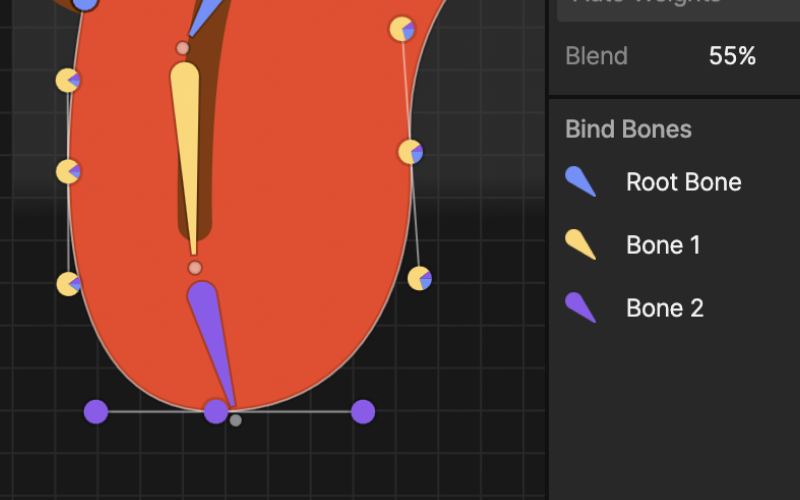
Auto Trace & Auto Weights: rigging got a major upgrade
Auto Trace turns an image into a mesh, and Auto Weights assigns bone weights for you, on both image meshes and vector paths. The manual workflow from the lessons still works.
General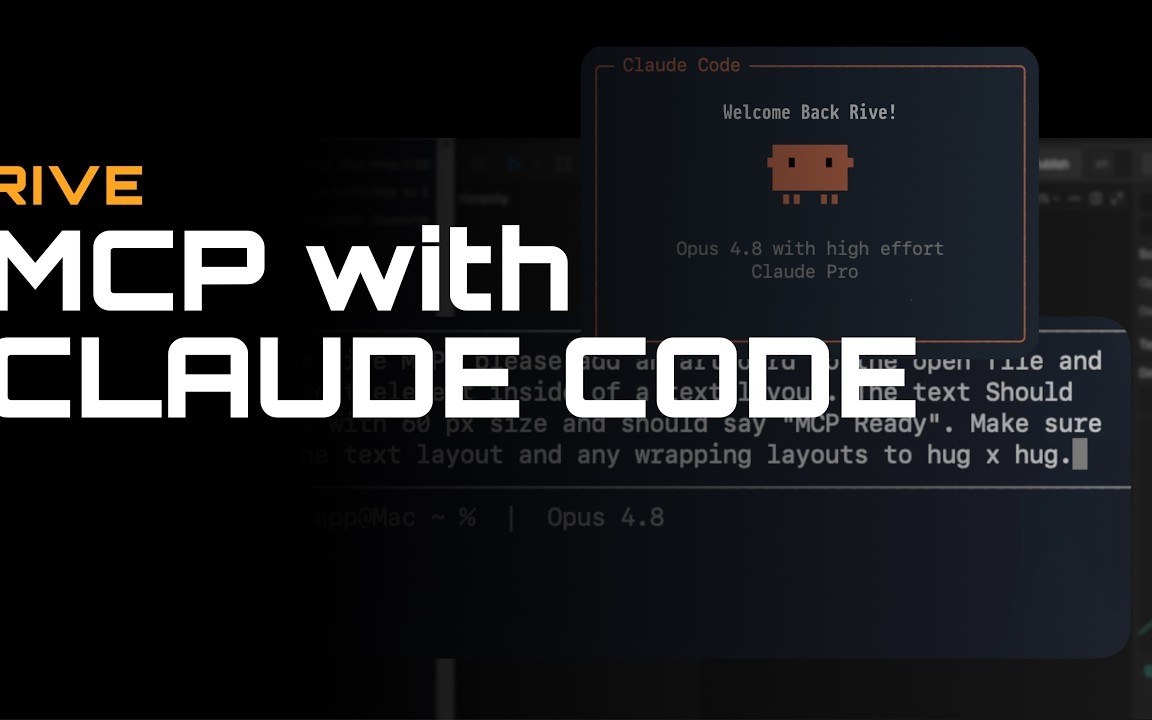
Rive now connects to AI tools via MCP
Rive can now connect to AI tools like Claude through MCP. New capability, nothing in the course changes.
AI Agent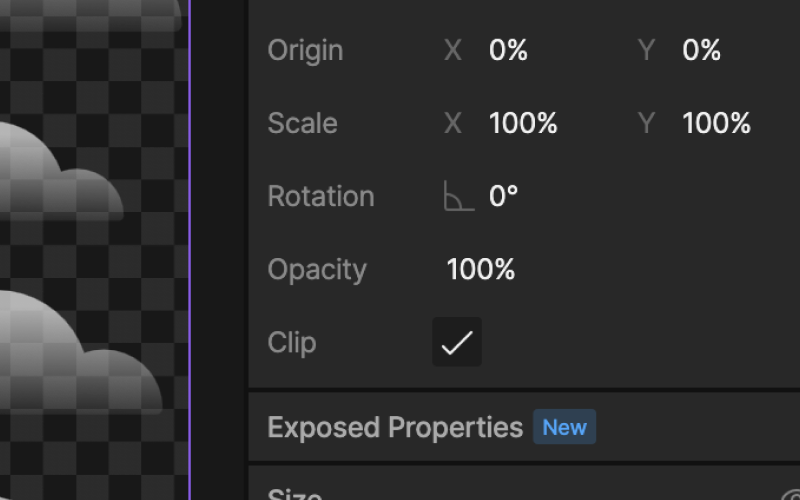
The artboard Clip option moved
The Clip checkbox is in a different spot than in the videos. Same option, same behavior.
Interface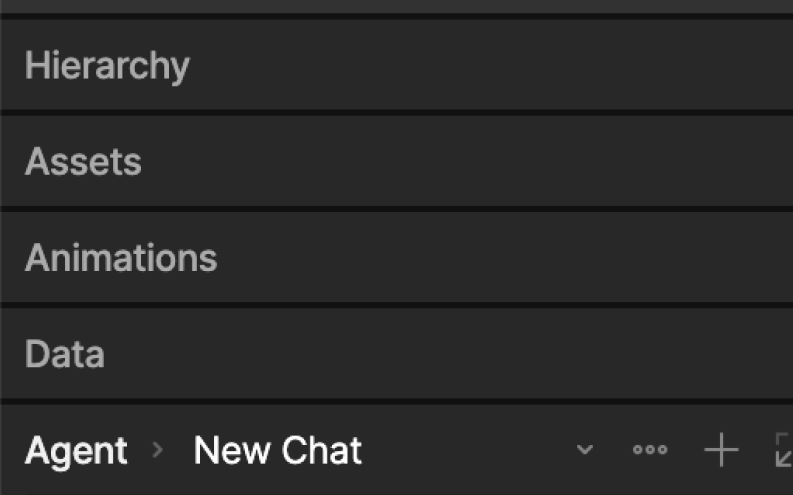
Left tabs are now stackable panels
The left-side tabs from the videos are now stackable panels. Same tools, new arrangement.
Interface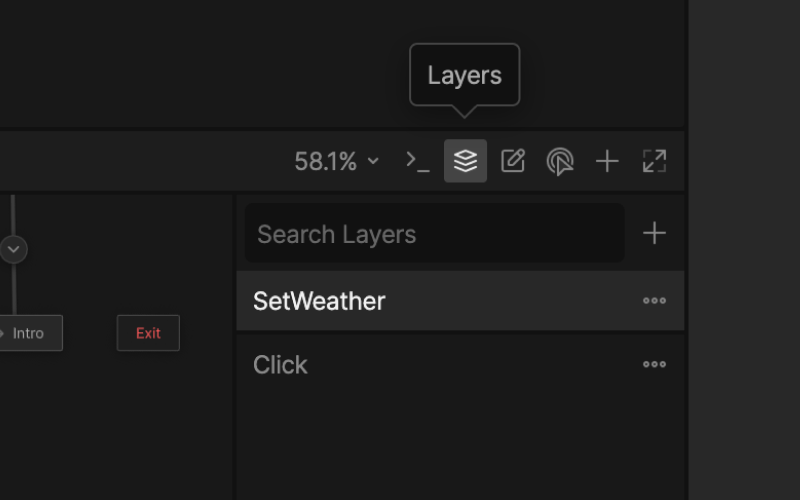
Layers, inputs & listeners are now in the state machine view
The Layers, Inputs and Listeners panels now live inside the state machine view.
State Machine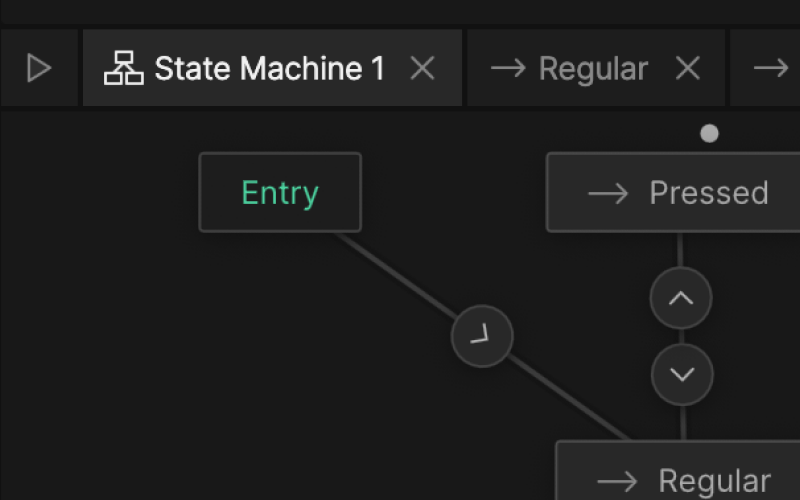
State machines & timelines open as horizontal tabs
State machines and timelines now open as horizontal tabs instead of the layout you see in the video.
State Machine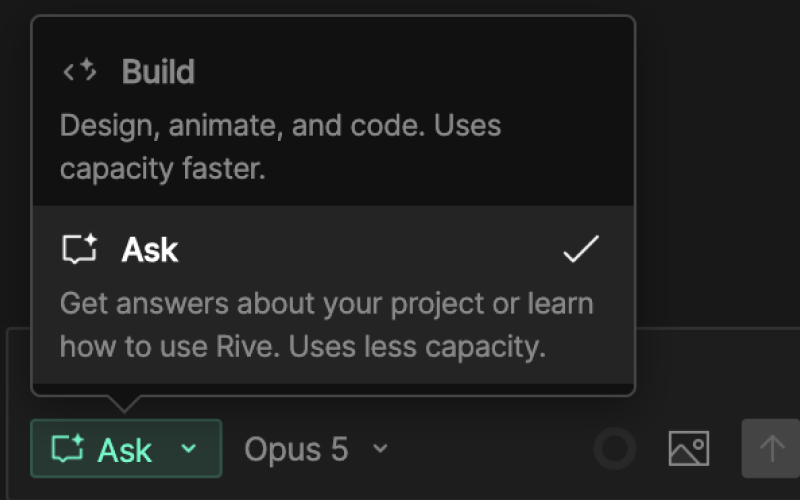
AI Agent now has "Ask Mode" for quick questions
The AI Agent has a new Ask mode for quick questions, next to the Build mode.
AI Agent
AI Agent is now free for all plans
The AI Agent is now included in every Rive plan, including free ones.
AI Agent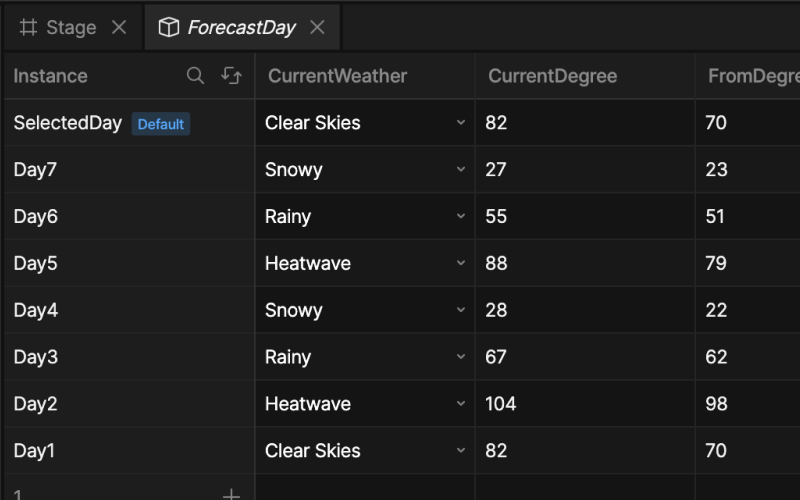
View model instances now have a table view
All your instances and their values now sit in one editable table, instead of switching between them one at a time.
General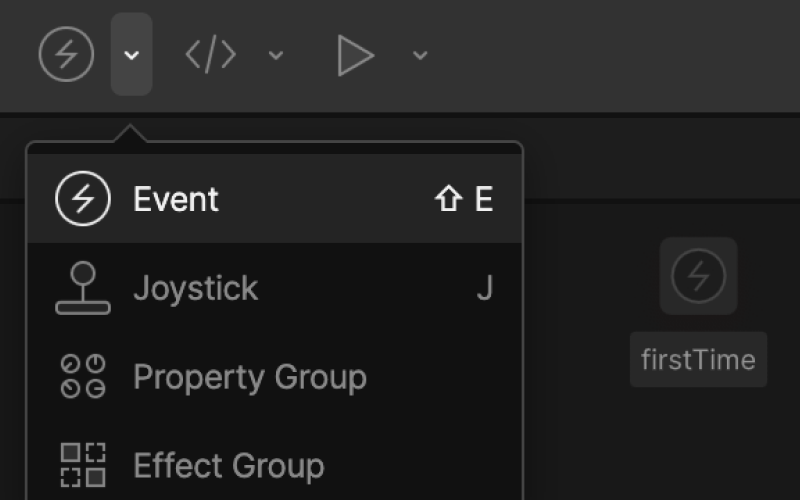
Event visual indicator no longer shows in the editor
Events no longer show a visual indicator in the editor. They still fire exactly the same.
State Machine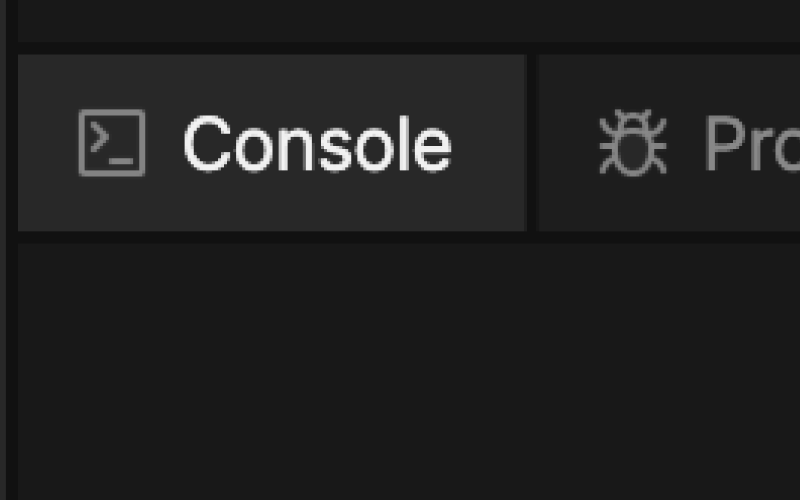
Console panel is now the Debug panel
The Console panel from the videos is now called the Debug panel. Same place, new name.
Interface
Publishing now requires a paid plan
Publishing and exporting now require a paid Rive plan.
General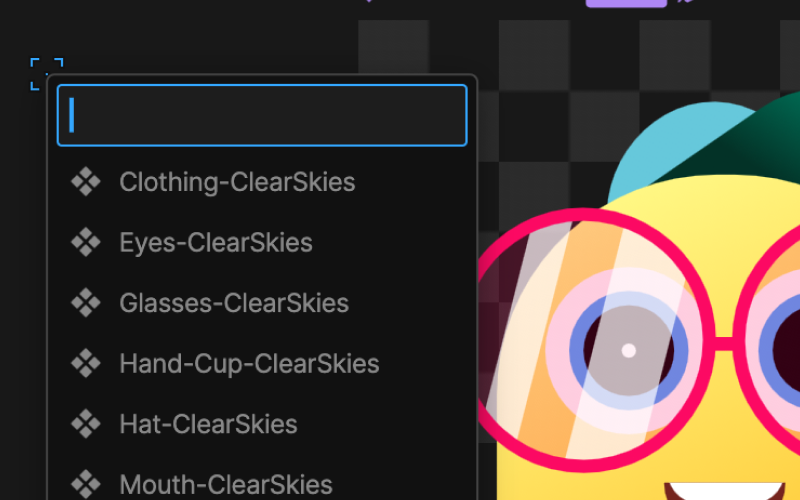
Nested artboards are now components
Nested artboards are now called components, with their own badge in the hierarchy.
Components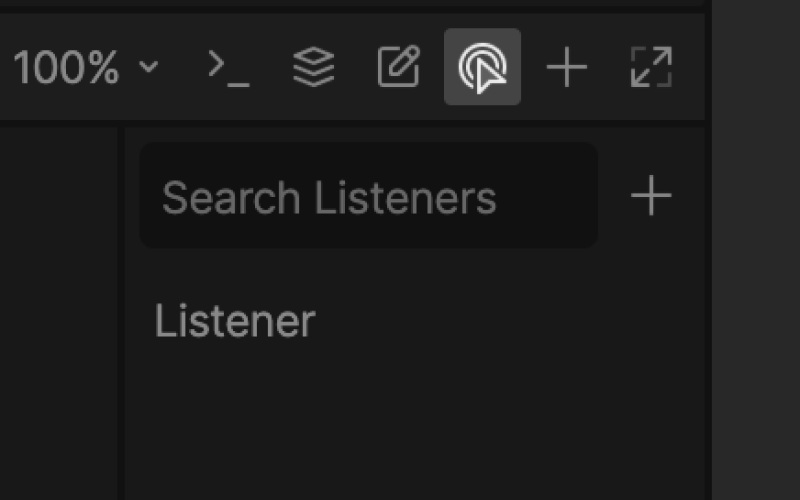
Listener creation now shows presets
Creating a listener now opens a presets list instead of the empty listener you see in the video.
State Machine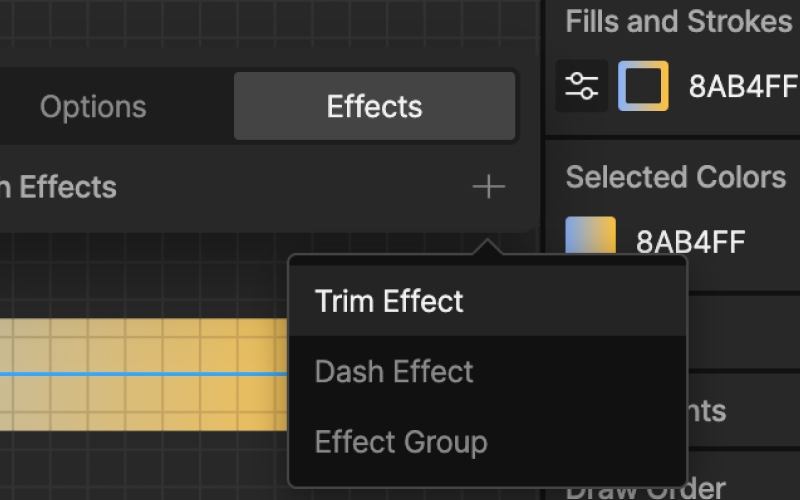
Trim Path moved to stroke effects
Trim Path now lives under a stroke's effects instead of where the video shows it.
InterfaceFollowing an older tutorial and can’t find something? Read the full guide to where everything moved.