The Figma Motion Course
Learn to animate your designs without leaving Figma. Built for designers who've never touched a timeline.
The Figma Motion Course
Learn to animate your designs without leaving Figma. Built for designers who've never touched a timeline.
Short, focused lessons
Beginner friendly
Animate inside Figma
No experience needed
A taste of what you'll make

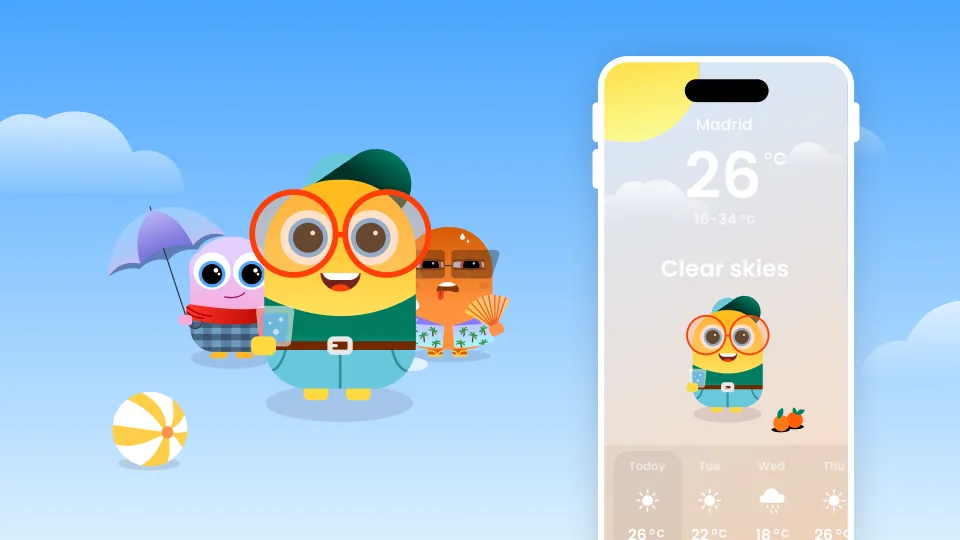
Eye blink
Bring the avatar to life

Glasses shine
A sweep of light

Glowing sun
Add a warm glow

Drifting clouds
Make the scene breathe
What's inside
The planned syllabus, subject to change as the course is built.
Part 1 · Make it move
01
The blink: bring the avatar to life
Soon
02
Keyframes and frames: how motion actually works
Soon
03
Easing: the principle that makes it feel alive
Soon
Part 2 · The trick box
04
Scale: pulse, breathe, pop
Soon
05
Rotation: spin a loader or sun rays
Soon
06
Shine: the glass light sweep
Soon
Part 3 · Make it interactive
07
Wire it up: prototype a button that responds
Soon
Part 4 · Let the agent do it
08
Figma's AI agent: prompt it to generate keyframes
Soon
09
What's next: real interactivity in Rive
Soon
Take it further: master interactivity in Rive
You animated your designs in Figma. In Rive, you make them interactive and ship to real apps.
From the blog
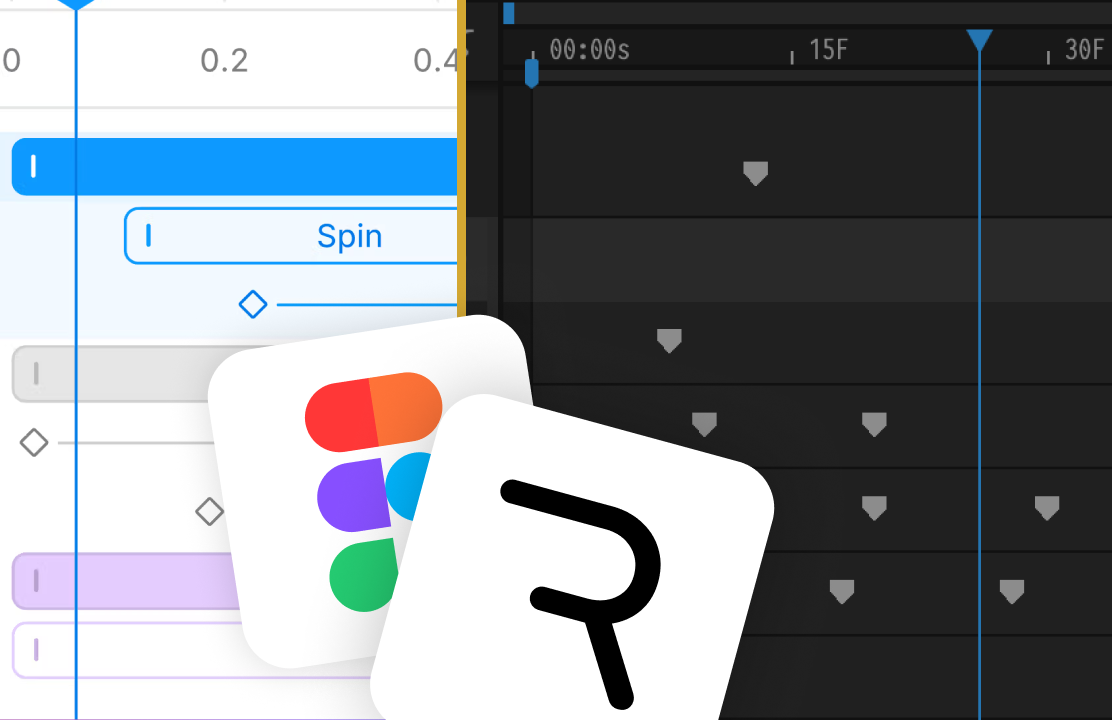
View all →Figma Motion, Rive, and how they fit together.
Meet the instructor
Hi, I'm Tom Acco. Product designer, motion designer, and former developer. For the last 7 years I've designed interactive products and shipped animations in real apps. I teach designers to bring interfaces to life, from a first keyframe in Figma to production-ready animation in Rive. This mini-course is where it starts.