Course · September 19, 2026
New Bonus Module: Rive CLI & 3D
A bonus module for the Scripting Course: build a textured 3D sun with the Rive CLI and an AI agent, push it into the editor as a script with an input, then replace the drawn sun and planets with real ones.
The Scripting Course gets a bonus module built around Rive's newest tool: the Rive CLI. Four lessons, coming soon, one of them free. This is what it is and what we'll build.
What is the Rive CLI?
A command-line tool, released in September 2026 as a free technical preview, where a Rive scene is a text file. Your AI agent writes it (Rive Markup Language, RML, plus Luau scripts and WGSL shaders), the CLI compiles it, verifies it in milliseconds and renders a frame you can look at, and out comes a .riv for your app or a .rev you open in the editor. No editor needed while you work. It's the third way to put an agent on Rive, next to the built-in agent and MCP.
What We'll Build
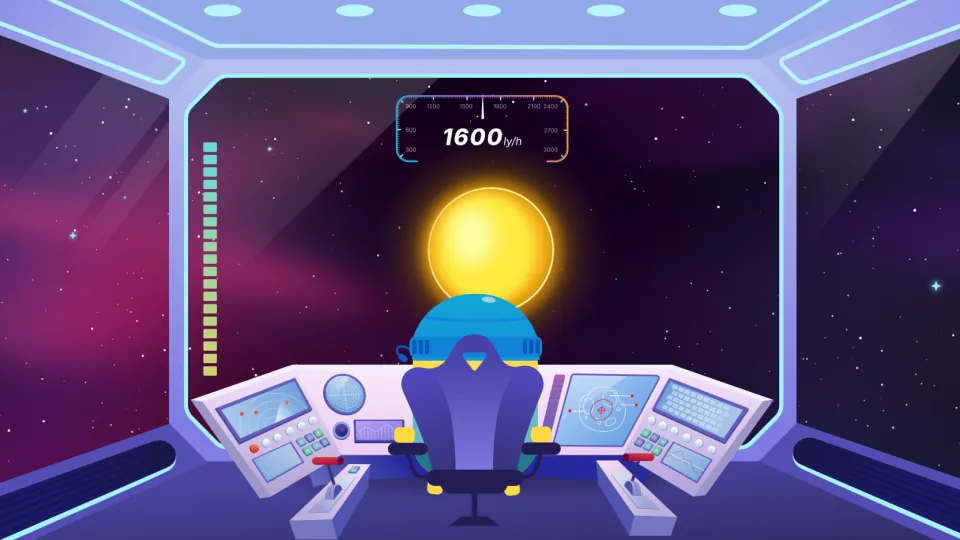
A 3D sun from the terminal. A sphere generated in Luau, a real surface map, a GPU Canvas shader that lights it, and a headless render after every change. The sun on the course page is the result: a 198 KB file, built and signed without opening the editor.
Into the editor as a script with an input. The CLI's output becomes a Node Script in our project. We drop it into the Sun artboard, switch the drawn disc off, and bind its scale input to the sun size we already control. A script is a black box with inputs; the editor is where you direct it.
Real planets. The same node becomes a reusable Planet3D with a texture, a scale, a spin and a light direction as inputs, and the three planets get real surface maps. The Planets script we wrote in Tier 1 keeps spawning them exactly as before.
What This Means for You
You don't type in a terminal in this module; you direct an agent that does, the same way you direct Rive's agent in every other lesson. What changes is what you learn about scripts: a scripted scene is a finished thing inside the editor, and data binding and inputs are its only handles, so exposing the right ones is part of the design. Included with the course, no extra cost. The CLI is a technical preview, so the module is recorded against the current release and updated when it changes.
The story behind it, with the live scene and the file: Rive CLI: How I Built an Interactive Solar System From My Phone.
The lessons, in order: Rive AI Agent, MCP or CLI: Three Ways to Build with an Agent (free), Build a 3D Sun with the Rive CLI, Push It into the Editor and Replace the Sun, Replace the Planets with Real 3D Planets.