The same fbm as the Noise tile, drifting sideways, run through a smoothstep so everything below the cover value is sky and everything above it is cloud. The soft edge of the smoothstep is the whole trick: too hard and it reads as a map, too soft and it is fog.
New to shaders? Read Rive Shaders Explained →
Clouds on its own artboard in the library file, with the ShaderQuad node and the WGSL, Inputs for Cover, Wind. Copy the artboard into any Rive file.
Noise, as a Rive file, on us
The Noise shader with the GPU Canvas node wired and the WGSL inside. Drop it into any Rive file and see how a shader lives there.
Every shader here, as a ready-to-drop Rive file
Play with all of them here. The library file, every shader on its own artboard, comes with the Scripting Course, next to the lessons and the Space Game it belongs to.
Other free Rive tools
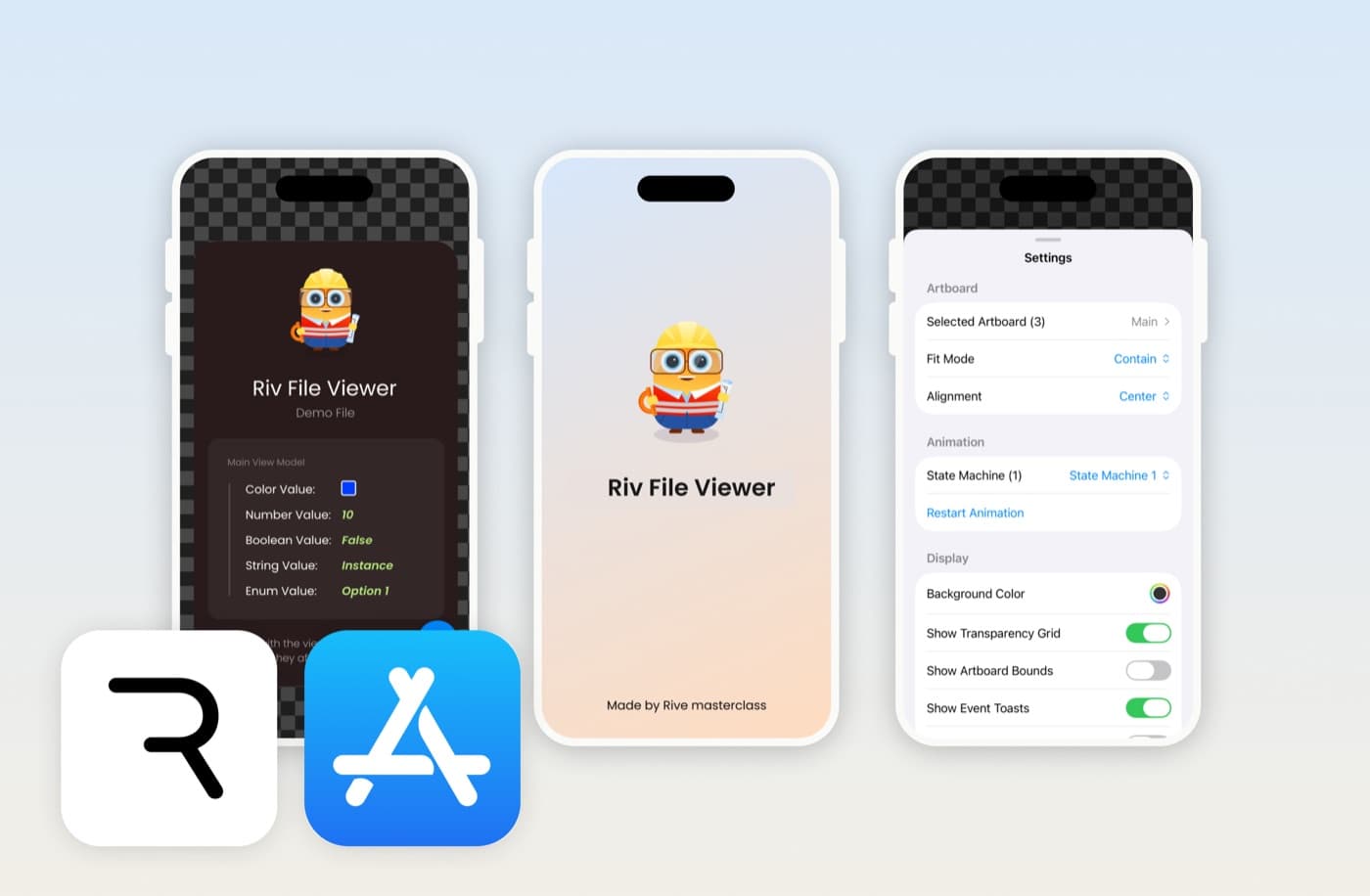
Riv File Viewer
Open, preview and debug .riv files on iPhone and iPad. Control state machines, edit data binding, and inspect assets.

Rive to Video Converter
Record a Rive animation playing and save it as a shareable mp4. Runs in your browser, nothing gets uploaded.

Embed Rive on Your Website
Paste a public .riv URL and copy an iframe embed code. Add a live Rive animation to any site, no SDK needed.