Create a Halloween Easter Egg in Rive: a Pumpkin Explosion
Tap the pumpkin once and it cracks. Tap it again and it cracks some more. Tap it a third time and it blows up, and a little ghost and a pile of candies are left where it stood.
It looks like a lot of animation. It isn't. The pumpkin never actually explodes. There are a few drawings of it, and every tap swaps to the next one so fast, with a little motion on top, that your eye never catches the switch.
It is one of my favorite tricks, and you can reuse it far beyond Halloween. Here is how it works.
The one idea
Every tap swaps the drawing. A quick squash hides the swap. On the last tap, a flash hides the last swap.
That is the whole tutorial. Three small pieces, each one covering for the one before it.
Four drawings, one on top of the other
The pumpkin has four stages, each its own Artboard: the whole pumpkin, a few small cracks, cracks everywhere (about to burst), and the explosion, which for now is just two soft circles of light.
Each stage has its own small idle animation, only Scale and Opacity. The whole pumpkin breathes, the cracked one breathes a little harder, and the last one shakes like it can't hold on. So the tension builds even before you tap.
On the main Artboard I drop all four in as components, the same size and the same position, so they sit exactly on top of each other. Then I select the group and choose Convert to Solo.
A Solo is a group that shows only one of the things inside it. You get a little radio button next to each child, and picking one hides the rest. So "which stage is the pumpkin in" becomes a single property you can key in a timeline.
Every tap moves one step forward
The State Machine is already in the starter file, and I don't build it in this tutorial. It listens to one View Model Trigger called tap. Each time it fires, the pumpkin moves to the next state: Tap 1, Tap 2, Tap 3. On the third tap a second Trigger, boom, fires too.
Inside each tap timeline there is just one Keyframe on the Solo: Tap 1 switches to the cracked stage, Tap 2 to the next one, Tap 3 to the explosion.
Run it and it works. It also looks bad. Every tap is a hard cut, the drawing just jumps, and nothing hides it.
Squash and stretch hides the cut
The fix is an old animation principle called squash and stretch. Right before the swap, the pumpkin gets pressed down and wider, then springs back. While it moves, you don't notice that it changed.
Two details make it feel right.
Move the Origin to the bottom. By default the Origin is in the center, so changing Scale shrinks the pumpkin into itself and it looks like it is floating. Press Y for Freeze mode, drag the Origin down to the bottom of the pumpkin, and now it squashes into the floor like something with weight.
Animate the main group, not the drawings inside it. The Solo swaps the children, so if the squash lived on one of them it would disappear mid motion. On the parent group, it keeps going straight through the swap.
The keys on Tap 1:
- Frame 0: Scale 100 / 100
- Frame 5: Scale X 115, Scale Y 85 (wider, pressed into the ground)
- Frame 35: back to 100 / 100
Elastic makes it bounce
With 30 frames to come back, the pumpkin slides home slowly and flat. What I want is a spring: squash, stretch, squash a little less, settle.
That is what easing is for. Select the middle Keyframe, change it from Linear to Elastic, and the return becomes a spring. The Period controls how much it bounces: smaller means more bounce. I landed on 0.3, which gives a couple of bounces and then a gentle settle. Add a bit of easing on the squash itself too, so the way in is not linear either.
Swap at the bottom of the squash
One more thing. The Solo Keyframe is still on frame 0, so the pumpkin cracks the moment you tap, before it has even moved.
Rive Masterclass + Rive Scripting
Master Rive for real products.
Get Both for $219Both courses for $219. Save $49.


Rive Masterclass + Rive Scripting
Master Rive for real products.
Both courses for $219. Save $49.
Drag that Keyframe to frame 5, the deepest point of the squash, and key the Solo to stay whole at frame 0. Now it squashes first, and the crack appears right when it is most pressed. Slow it down and you can still see the hard cut. At full speed, you can't.
Copy the same squash into Tap 2, move its Solo Keyframe to frame 5 the same way, and both cracks feel smooth.
Tap 3: squash, then push out
The last tap needs to feel like the pumpkin is about to blow, so it doesn't come back. It is only 15 frames:
- Frame 0: 100 / 100
- Frame 5: the same squash, 115 / 85
- Frame 15: the opposite, narrow and tall, and it stays there
That squash before the stretch is anticipation: it tells the eye something big is coming. The Solo switches to the explosion on frame 15, at the very end of the stretch. Turn on the Work Area and limit the timeline to those 15 frames, so the State Machine moves on the moment it ends.
The flash does the rest
Now the pumpkin is gone in one frame, and that is the moment to hide. The explosion Artboard has two circles: Core, small and bright, and Glow, bigger and softened with feathering so it reads as a halo.
The Flash timeline:
- Scale from 70% (about the size of the pumpkin) to 140% in 15 frames. Fast is the point.
- Opacity from 100 to 0, starting at frame 5, so it grows first and fades after.
- Drag Glow's Keyframes a few frames later than Core's, so the outer light lingers a little.
Download the Halloween Pumpkin Starter File
The starter file from the Halloween pumpkin tutorial: the four pumpkin stages, their idle animations and the State Machine are ready. Open it in Rive and build the Solo, the squash and stretch and the flash along with the video.
Set both circles to Opacity 0 by default, so you never see them until the boom Trigger plays the flash. The explosion's State Machine goes from Any State to Flash when boom fires.
Tap, tap, boom. The flash is so bright and so quick that the pumpkin's disappearance just reads as an explosion. No particles needed. A Solo, a squash and a flash.
The tip of the iceberg
Once that base works, every extra layer only makes the explosion bigger. In the finished file I added:
- Sound: a hit on every tap and a real boom.
- Particles: a small script that throws confetti-like pieces out of the flash.
- Chunks: the same pumpkin cut into pieces that fly out with plain Position, Rotation and Opacity Keyframes.
- The easter egg: a ghost that floats on Bones and candies that drop and blink, each on its own Artboard.
- Fog and music: a shader fog drifting behind it, a little spooky music, and a regrow animation so you can blow it up again.
None of these are needed for the trick. They just stack on top of it.
Use it in your app
This is where it stops being a Halloween toy. I put the same pumpkin into an app loading screen: it cracks as the app loads, and at 100%, boom, "Happy Halloween".
Or as a reward screen in a game: the bar fills, you tap Open, and the pumpkin shakes and bursts into the prize.
The stages are just a number now, so anything can drive them: taps, load progress, a streak count. A few places I'd use it:
- A holiday theme for your app, switched on for one week a year.
- A gift or reward icon that cracks open when the user earns it.
- A loader, a splash screen or a reward screen, like the ones above.
Go further
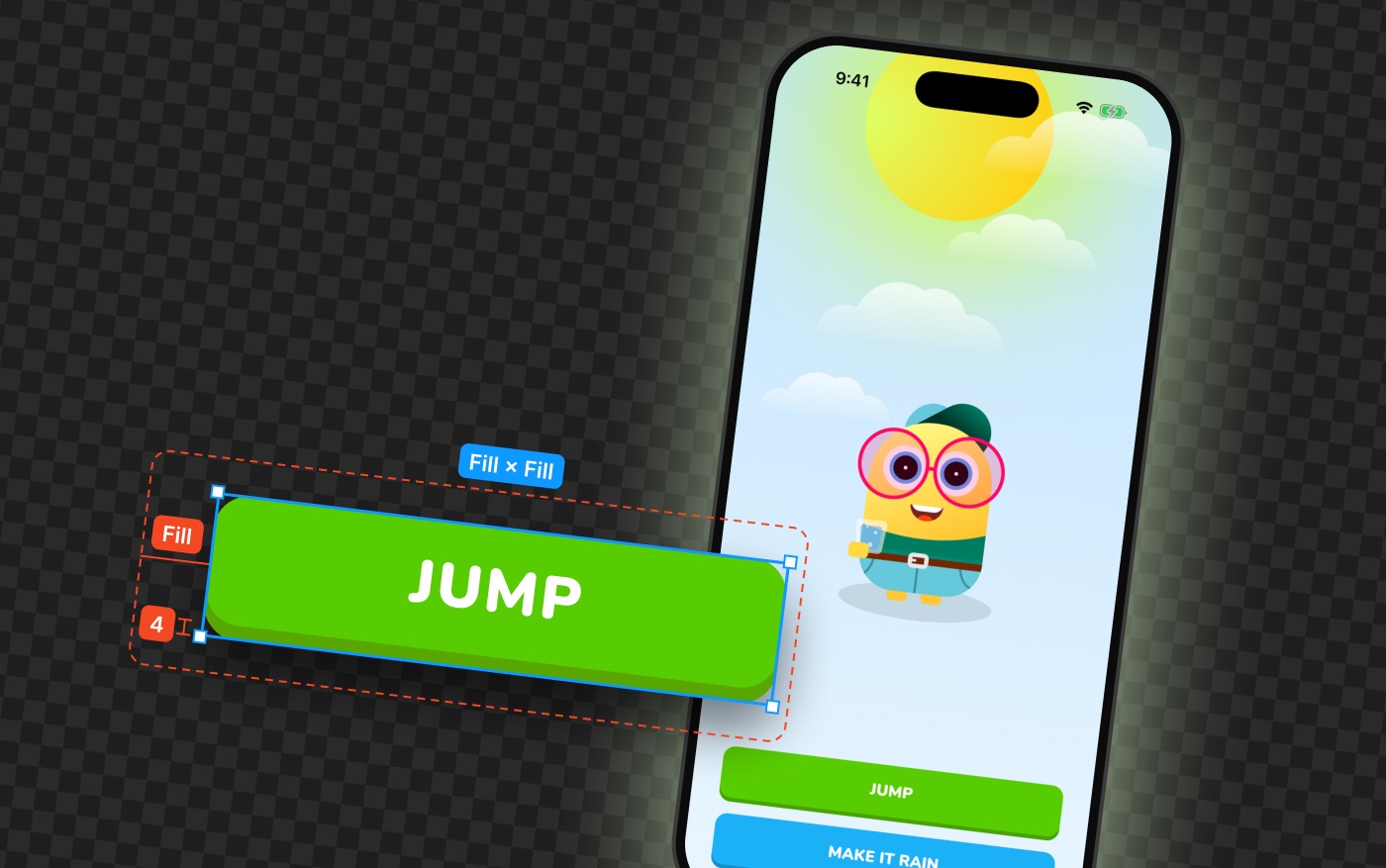
The Solo, the components and the State Machine I skipped here are exactly what I teach step by step in the Rive Masterclass. We build a weather app whose avatar swaps with the weather, and it jumps with the same squash and stretch and easing you used on the pumpkin.
And if you want a real explosion, with particles, fire and a flash, that is what we build in the Rive Scripting course: you aim at asteroids in space and blow them up.
Get the starter file
The starter file has all four pumpkin stages, the idles and the State Machine ready, so you only build the trick. Download it free here.
Happy Halloween.
Get more Rive tips
Weekly tutorials, new lessons, and Rive community highlights — no spam.