Black Friday StreetRive Sale Animation
A shopping street for a sale footer. Tap anything on it.
Get the file
This one comes with the Black Friday Set: all 7 files, the .riv and the .rev of each.
The whole set
.rev + .rivAll 7 files in one zip. Open the .rev in the Rive editor and change anything, or use the .riv as it is.
$29.99
Using this file
The licence →Can I use it in a commercial product or a client project?
Yes. Use it in your own apps, websites and games, and in work you do for clients, paid or not. Change it as much as you like. Read the full licence
Can I resell or share the file?
No. Please don't resell, redistribute or re-upload the files, as they are or changed, and don't bundle them into templates, asset packs or UI kits, free or paid. If someone wants one, share a link to this page instead. Read the full licence
Do I need to credit you?
No, credit isn't required. A mention or a link back is always appreciated, though. Read the full licence
What's the difference between the .riv and the .rev?
The .riv is the runtime file: it goes into your app or website and plays there. The .rev is the editable source: you open it in the Rive editor to change the design, the animation or the state machine, then export your own .riv. Read the full licence
I own a course. Do I get it?
Yes. If you own the Rive Masterclass or the Rive Scripting Course, this file and the whole Black Friday Set are yours, along with every other file in the library. Sign in with the email you bought the course with and the downloads unlock. Read the full licence
Who owns the files?
The files stay © Tom Acco / Rive Masterclass. When you download or buy one, you get a licence to use it, not ownership of it. Read the full licence
Use it on your site
import { useRive } from '@rive-app/react-canvas';

export function Street() {
  const { rive, RiveComponent } = useRive({
    src: '/black-friday-street.riv',
    artboard: 'Street',
    stateMachines: 'State Machine',
    autoplay: true,
    autoBind: true,
  });

  // every input on this page is a view model property
  const vm = rive?.viewModelInstance;
  if (vm) vm.trigger('cartGo').trigger();

  return <RiveComponent style={{ width: '100%', height: 400 }} />;
}
Inputs: cartGo. All on the Street view model.
How it's built
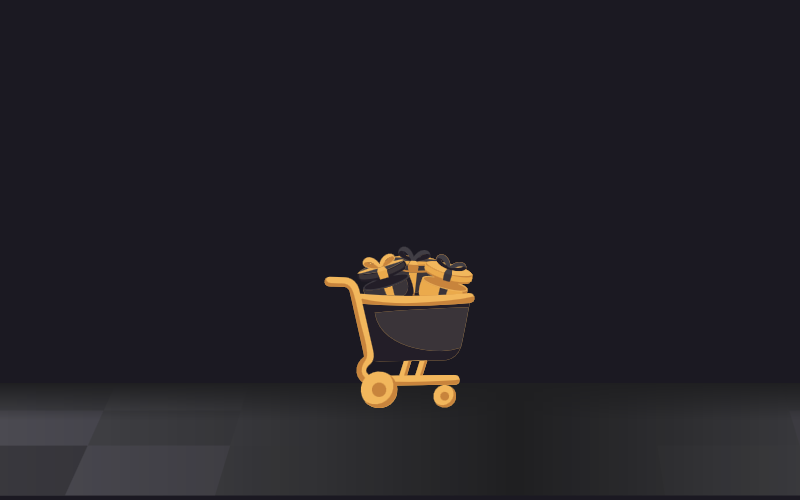
A row of black and gold shops with a neon SALE sign, gifts, shopping bags and a cart full of presents. Tap a shop and its lights go out, tap a bag and it opens with confetti, tap a gift and it pops. Tap the cart and it drives off one side and comes back in from the other. The left and right groups pin to the edges, so it stretches to any width from about 1400 up.
- 1Every piece is its own artboardShops, gifts, bags and the cart are nested artboards, each with its own state machine and its own view model instance, so one tap moves only that piece.
- 2Taps live on the streetInvisible tap areas on the street each run a short listener script that fires that piece's tap trigger.
- 3The confetti is a scriptOne particle script sits in every gift and bag and bursts when its tap trigger fires.
- 4It stretches with LayoutsThe left and right groups are pinned to the edges and the floor fills the width, so the middle opens up on wider screens.