Controls
Riv File Viewer
Test and debug Rive animations on real iOS devices. No Xcode required.
Overview
Free iOS app for testing and debugging Rive animations on real devices. Load .riv files, control state machines, edit data binding, view console logs. Complete documentation and feature guides. Built by Rive Masterclass.
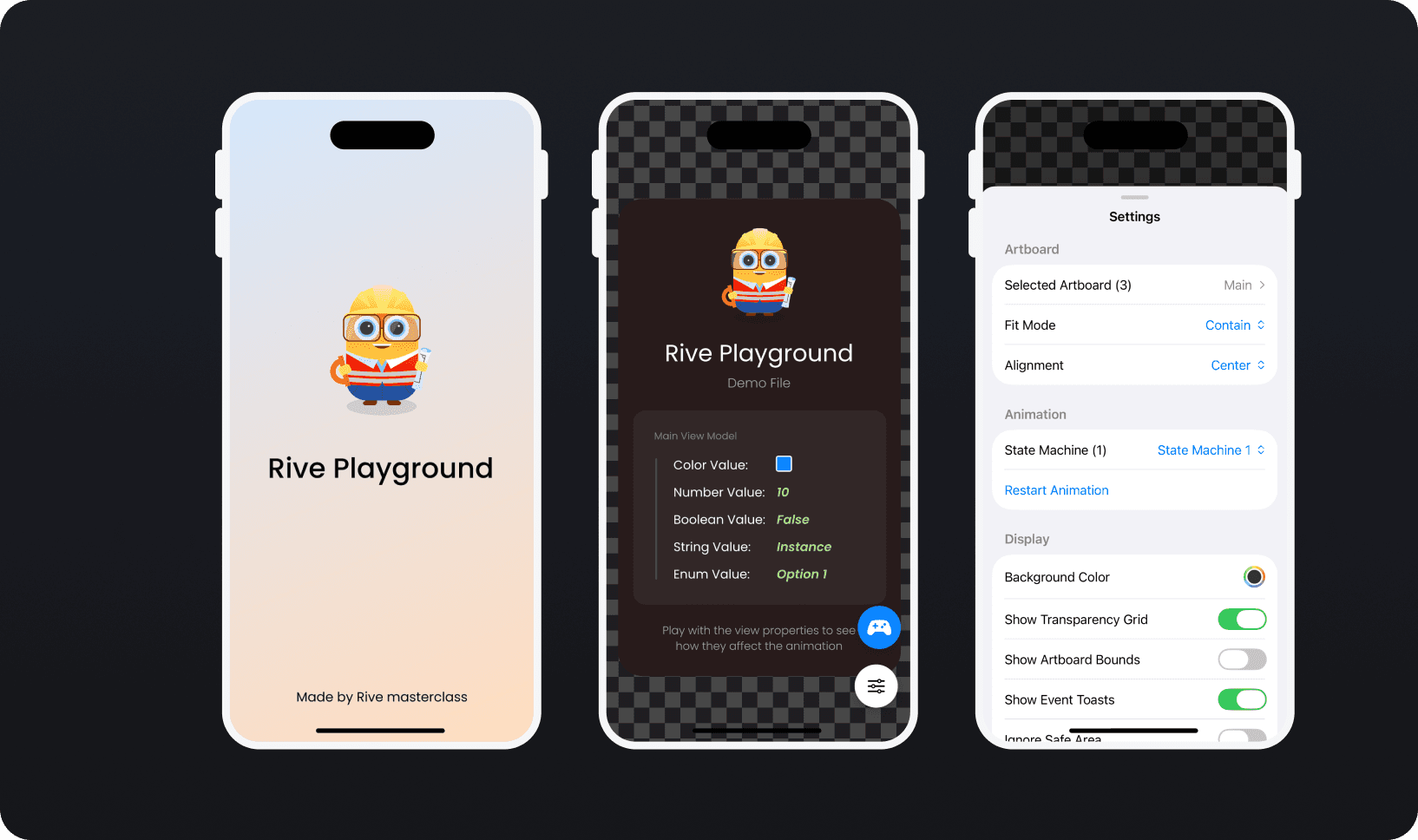
Preview & Customize
Test how your animation looks and behaves.
All fit modes (Contain, Cover, Fill, Fit Width, Fit Height, None, Scale Down)
Switch between artboards and state machines
Custom background colors
Transparency grid
Artboard bounds overlay
Ignore safe area for edge-to-edge testing
State Machine Inputs
Control your animation's logic directly.
Input Type | Control |
|---|---|
Boolean | Toggle switch |
Number | Stepper or direct input |
Trigger | Fire button |
Changes apply instantly. Watch your animation respond in real-time.
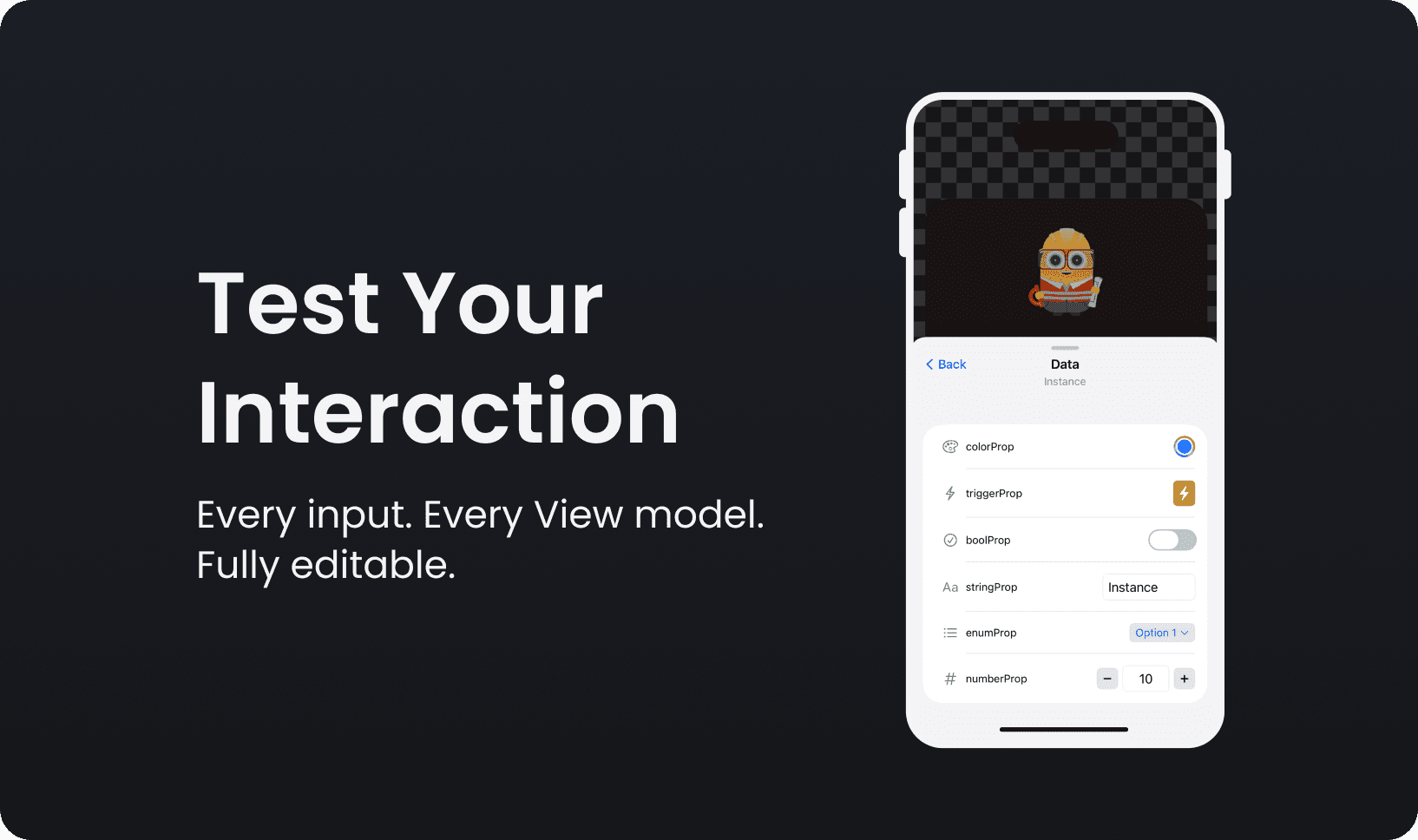
Data Binding
Edit View Model properties live.
Property Type | Control |
|---|---|
String | Text input |
Boolean | Toggle |
Number | Stepper |
Color | Native color picker |
Enum | Dropdown |
Trigger | Fire button |
No code. Just change values and see results.
Joystick Controller
Pin frequently-used controls to a floating panel.
Drag anywhere on screen
Snaps to edges
Collapse to icon
Inline editing
Works with inputs and data binding properties
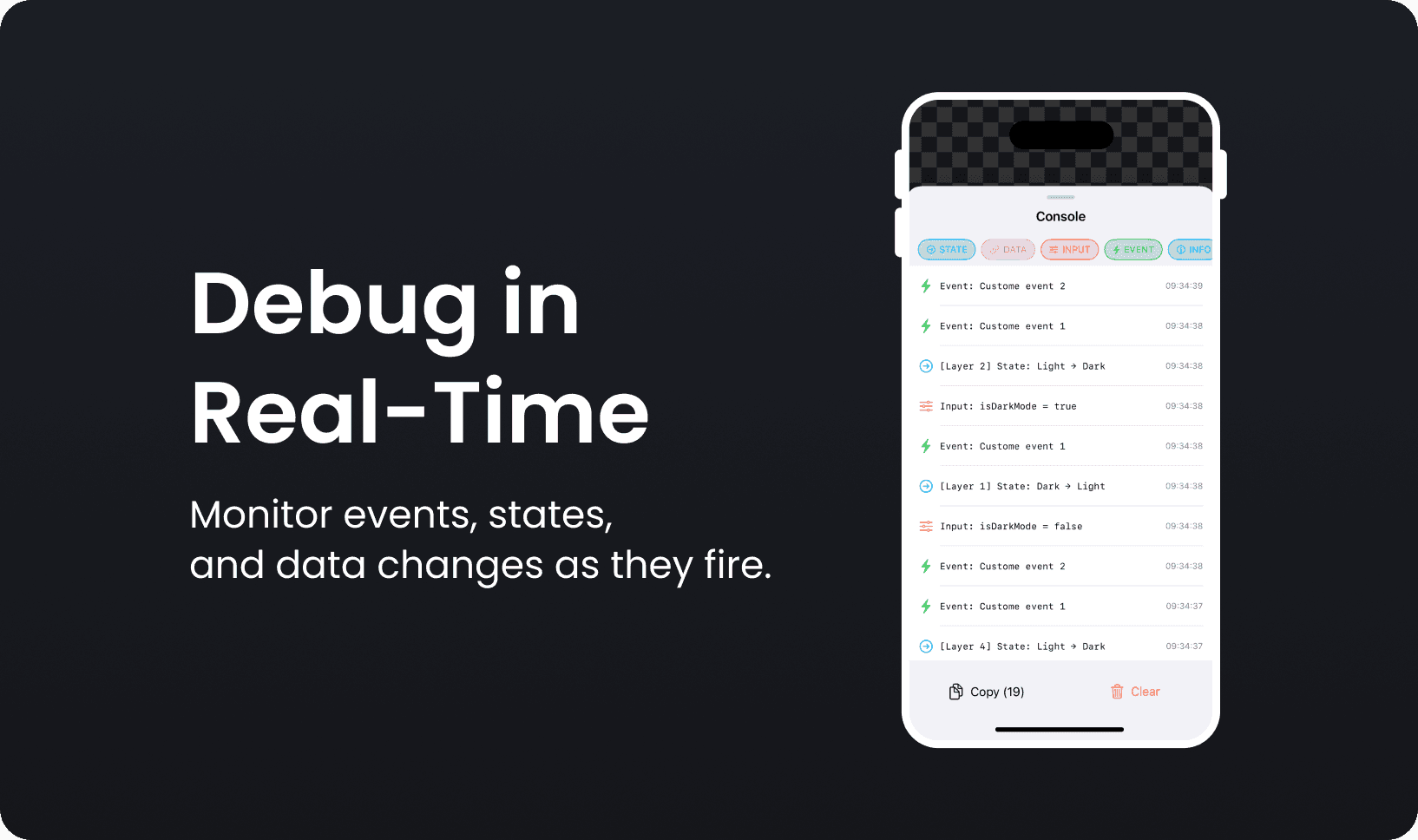
Console & Debugging
See what's happening inside your animation.
Log Type | Shows |
|---|---|
State Changes | Transitions with layer info |
Data Binding | Property value changes |
Input Changes | Input modifications |
Events | Rive events fired |
Errors | Problems and issues |
Filter by type. Copy logs. Clear and start fresh.
Asset Inspector
See everything embedded in your .riv file.
Fonts
Images
Audio
File sizes (individual and total)
[Asset Inspector →]
Zoom & Controls
Inspect details and navigate easily.
Zoom 50% to 200%
Triple-tap to reset
Two-finger long press for distraction-free mode
Haptic feedback
[Zoom →] [Gestures →] [Distraction-Free Mode →]
What you need
Requirement | Details |
|---|---|
Platform | iOS 18.0+ / iPadOS 18.0+ |
Devices | All iPhones, all iPads |
File format | .riv files |
Internet | Optional (for URL loading only) |
Account | Not required |
Your files stay on your device
No data collection
No analytics
No tracking
No account required
Everything is local. Nothing leaves your device.
Get Rive Playground
Free. No subscriptions. No in-app purchases.
[Download on the App Store]
Section | Pages |
|---|---|
Getting Started | Download · Quick Start · Loading Files |
Preview | Animation Preview · Display Options |
Testing | State Machine Inputs · Data Binding · Joystick Controller |
Debugging | Console & Logs · Asset Inspector |
Controls | Zoom · Gestures · Distraction-Free Mode |