Rive AI Agent: 10 Rules for Scripting That Actually Works
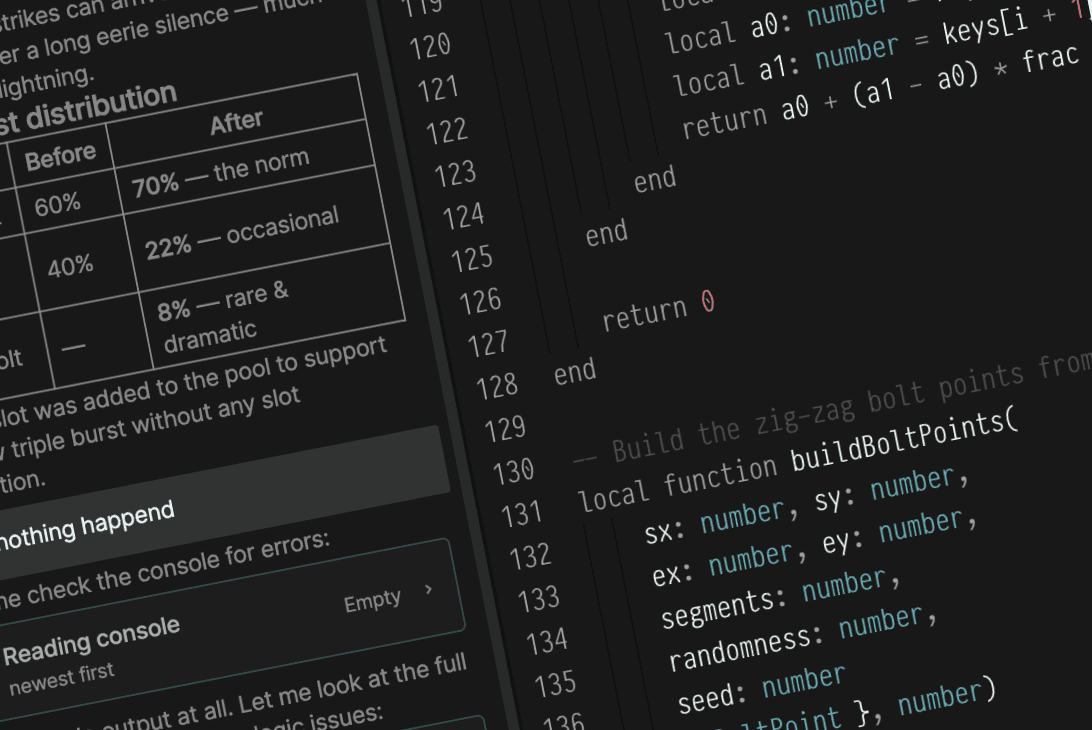
Rive scripting with the AI agent changed how I build animations. But not in the way I expected.
When I first opened the scripting panel, I tried to build an entire lightning system in one go. Dynamic bolts, glowing trails, screen flashes, rain particles - all at once.
It didn't work. The script was a mess, I couldn't debug anything, and I had no idea which part was breaking.
So I started over. This time with a single straight line.
That one decision changed everything about how I approach Rive scripting. And after building multiple scripted systems - lightning, rain, particles, weather effects - I've landed on a set of rules that make working with the AI agent dramatically smoother.
Here are 10 best practices that I come back to every single time.
1. Start With the Simplest Version
This is the most important rule.
When I built the lightning effect, the first version was just a straight white line from the top of the artboard to the click position. No styling. No randomness. No glow.
Just: does the line appear where I expect it?
Once that worked, I had a foundation. Every feature I added after that was built on top of something I already understood.
The same thing happened when I started the rain system. The first version was a single dot falling from top to bottom. Not rain - just one dot, proving the gravity logic works.
If you try to build the final effect immediately, you'll spend hours debugging without knowing where the problem is. Start with the most basic behavior. Confirm it works. Then build up.
2. Build Effects in Layers
Once you have the simple version working, add features one at a time.
Here's how the particle system came together:
- A single dot falling down the screen
- Multiple particles spawning at random positions
- Size and speed variation for each particle
- Wind direction affecting the fall angle
- Opacity fading as particles reach the bottom
- Recycling particles back to the top for a continuous loop
Each layer built on the previous one. If something broke, I knew exactly which step introduced the problem.
This is the opposite of how most people try to work. They write the whole thing, run it, get 5 errors, and don't know where to start.
One layer at a time. Always.
3. Describe Behavior, Not Implementation
This one is especially important when working with the AI agent.
Instead of telling the agent: "calculate dx and dy, normalize the vector, then iterate through segments" - describe what you actually want to see:
"Draw a lightning line from the top of the screen to the click position."
Or for a rain effect: "Create particles that fall from the top of the artboard with slight horizontal drift, like rain in wind."
The AI handles the math. Your job is to clearly describe the behavior.
I've found that the clearer and more visual my descriptions are, the better the results. Think of it like directing a scene, not writing the code behind it.
This is actually how the Rive Masterclass scripting module teaches it - through AI-assisted workflows where you describe behavior step by step, not by writing Luau manually.
4. Use Inputs to Make Systems Flexible
Inputs are one of the most powerful tools in Rive scripting.
For the rain system, instead of hardcoding the drop speed, I exposed it as an input. Same with particle count, wind angle, drop size, and opacity range.
Why? Three reasons:
- You can adjust the effect without touching the script
- The same script works across different artboards and screen sizes
- Anyone on the team can fine-tune the values without understanding the code
Every scripted system I build starts with a list of inputs. Before I write any logic, I think about what should be adjustable.
This one habit saves hours of rework later.
5. Design for Responsiveness
A scripted effect that only works at one screen size isn't very useful.
I always pass artboard width and height as inputs to my scripts. That way, the effect adapts automatically - whether it's running on a mobile screen, a desktop layout, or a resizable component.
For the particle system, this was critical. The spawn area, fall distance, and horizontal drift all need to scale with the artboard dimensions. Without responsive inputs, particles would cluster in one corner on wider screens or disappear off the edge on smaller ones.
Rive Masterclass + Rive Scripting
Master Rive for real products.
Get Both for $219Both courses for $219. Save $49.


Rive Masterclass + Rive Scripting
Master Rive for real products.
Both courses for $219. Save $49.
The Scripting Starter Kit
4 .riv source files from the tutorials + a scripting cheat sheet. Open them alongside the videos — that's how they're meant to be used.
Small effort upfront. Big payoff when the design needs to work everywhere.
6. Iterate One Prompt at a Time
When working with the AI agent, each prompt should focus on one change.
Don't send a prompt that says "make it look like a realistic storm with rain, wind, and splashes." That's too much at once. Instead, focus each round on a single improvement.
"Make the particles fall faster near the bottom."
Then: "Add slight horizontal drift to simulate wind."
Then: "Fade opacity as particles approach the ground."
This mirrors the layered approach from rule 2 - but applied to how you communicate with the AI. Turns out, the same principle that makes building easier also makes prompting easier.
One prompt. One change. Test. Repeat.
7. Use Other AI Tools to Brainstorm Your Prompts
Sometimes I don't go straight to the AI agent inside Rive.
Instead, I draft my prompts in a tool like ChatGPT first. I describe what I'm trying to build, ask it to help me break the behavior into clear steps, and refine the wording before sending it to the agent.
It sounds like an extra step, but it actually saves time. When you arrive at the Rive AI agent with a well-structured prompt, the first result is usually much closer to what you want.
Think of it this way: ChatGPT helps you think. The Rive AI agent helps you build. Using both together is a workflow, not a shortcut.
8. Don't Panic - Let the Agent Fix It
This one took me a while to learn.
When something doesn't work - and it will - the instinct is to start reading the script, trying to understand the logic, looking for the bug yourself.
Don't.
Just tell the agent what's wrong. "The particles are spawning outside the artboard." "The rain is falling sideways instead of down." "The lightning starts from the center instead of the top."
That's enough. The agent understands the context of what it built and can fix issues much faster than you can by reading through the code.
Describe the problem the same way you described the behavior. That's the whole point of vibe coding - you stay in the creative flow, and the AI handles the debugging.
9. Keep It Modular
Large scripting systems get messy fast.
Instead of building one massive script that handles everything, I break effects into independent modules. The weather system I built in the course has separate scripts for lightning, rain, clouds, and background effects.
Each module operates independently. Each one has its own inputs. And each one can be tested, debugged, and adjusted without affecting the others.
When you combine them into a scene, they work together - but they're not tangled together.
This is the same thinking that makes good software architecture. Small, focused pieces that do one thing well.
10. Focus on the Experience, Not the Code
Rive scripting isn't about writing clever code.
It's about creating better experiences.
A subtle glow behind a lightning bolt. Randomized sizes that make rain feel organic instead of mechanical. A cloud layer that slowly drifts across the artboard with parallax depth.
These small details are what make an effect feel alive. And you don't need to be a programmer to add them - you just need to describe what should happen and build it layer by layer.
The best scripted effects I've built aren't technically impressive. They just feel right.
Putting It All Together
Rive scripting can feel overwhelming at first. There's a blank panel, a new syntax, and suddenly you're expected to write logic.
But when you follow these rules - start simple, build in layers, describe behavior clearly, use inputs, stay modular - it becomes a creative tool, not a technical obstacle.
I use these exact principles every time I build a new effect. They work whether you're creating a simple button interaction or a full dynamic weather system.
Start simple. Build in layers. Describe what you want. Let the AI handle the rest.
Get more Rive tips
Weekly tutorials, new lessons, and Rive community highlights — no spam.