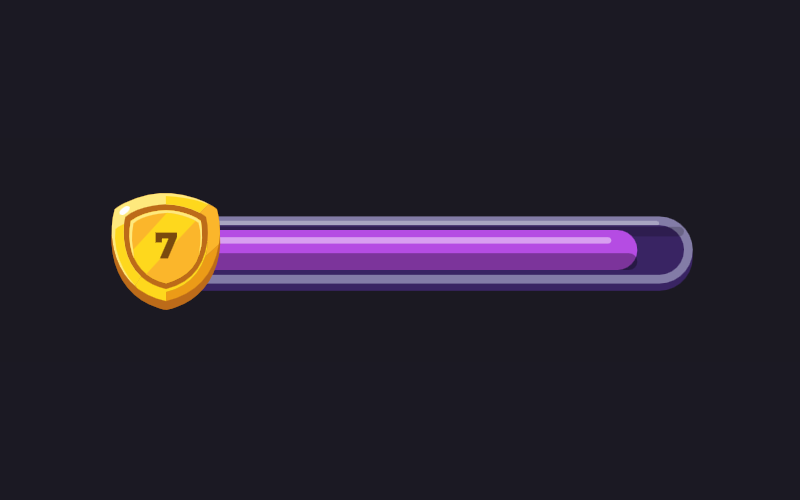
Spark Progress BarRive Progress Bar Animation
A thin fuse fills up with sparks crackling at its tip.
Get the file
This one comes with the Progress Bar Set: all 8 icons, the .riv and the .rev of each.
The whole set
.rev + .rivAll 8 files in one zip. Open the .rev in the Rive editor and change anything, or use the .riv as it is.
$29.99
Using this file
The licence →Can I use it in a commercial product or a client project?
Yes. Use it in your own apps, websites and games, and in work you do for clients, paid or not. Change it as much as you like. Read the full licence
Can I resell or share the file?
No. Please don't resell, redistribute or re-upload the files, as they are or changed, and don't bundle them into templates, asset packs or UI kits, free or paid. If someone wants one, share a link to this page instead. Read the full licence
Do I need to credit you?
No, credit isn't required. A mention or a link back is always appreciated, though. Read the full licence
What's the difference between the .riv and the .rev?
The .riv is the runtime file: it goes into your app or website and plays there. The .rev is the editable source: you open it in the Rive editor to change the design, the animation or the state machine, then export your own .riv. Read the full licence
I own a course. Do I get it?
Yes. If you own the Rive Masterclass or the Rive Scripting Course, this file and the whole Progress Bar Set are yours, along with every other file in the library. Sign in with the email you bought the course with and the downloads unlock. Read the full licence
Who owns the files?
The files stay © Tom Acco / Rive Masterclass. When you download or buy one, you get a licence to use it, not ownership of it. Read the full licence
Use it on your site
import { useRive } from '@rive-app/react-canvas';

export function SparkProgressBar() {
  const { rive, RiveComponent } = useRive({
    src: '/progress-spark.riv',
    artboard: 'Spark Progress Bar',
    stateMachines: 'State Machine',
    autoplay: true,
    autoBind: true,
  });

  // every input on this page is a view model property
  const vm = rive?.viewModelInstance;
  if (vm) vm.color('color').value = 0xFFFAA93D;

  return <RiveComponent style={{ width: '100%', height: 400 }} />;
}
Inputs: progress, demo, color. All on the SparkBar view model.
How it's built
Part of the Progress Bar Set: eight game-style progress bars. Set progress from 0 to 100 and the bar slides there; at 100 it celebrates. The colour comes from data and the shading follows it. A thin fuse fills up with sparks crackling at its tip.
- 1Progress is one numberprogress goes from 0 to 100. The fill slides inside the track, so the front stays round and the start follows the curve.
- 2Sparks ride the tipThe sparks sit on the end of the fill, so they follow the value wherever it goes.
- 3Demo modedemo is on by default and fills the bar by itself. Turn it off and drive progress from your app.