Send ActionRive Animated Icon
UI ElementsData BindingIn a set
Tap to send. The paper plane takes off with a puff and swings back in.
Get the file
This one comes with the Rive Game UI Kit: all 28 icons, the .riv and the .rev of each.
The whole set
.rev + .rivAll 28 files in one zip. Open the .rev in the Rive editor and change anything, or use the .riv as it is.
$49.99
Use it on your site
import { useRive } from '@rive-app/react-canvas';

export function ActionSend() {
  const { rive, RiveComponent } = useRive({
    src: '/action-send.riv',
    artboard: 'Action Send',
    stateMachines: 'State Machine',
    autoplay: true,
    autoBind: true,
  });

  // every input on this page is a view model property
  const vm = rive?.viewModelInstance;
  if (vm) vm.color('color').value = 0xFF459AE5;

  return <RiveComponent style={{ width: '100%', height: 400 }} />;
}
Inputs: play, color. All on the ActionSend view model.
How it's built
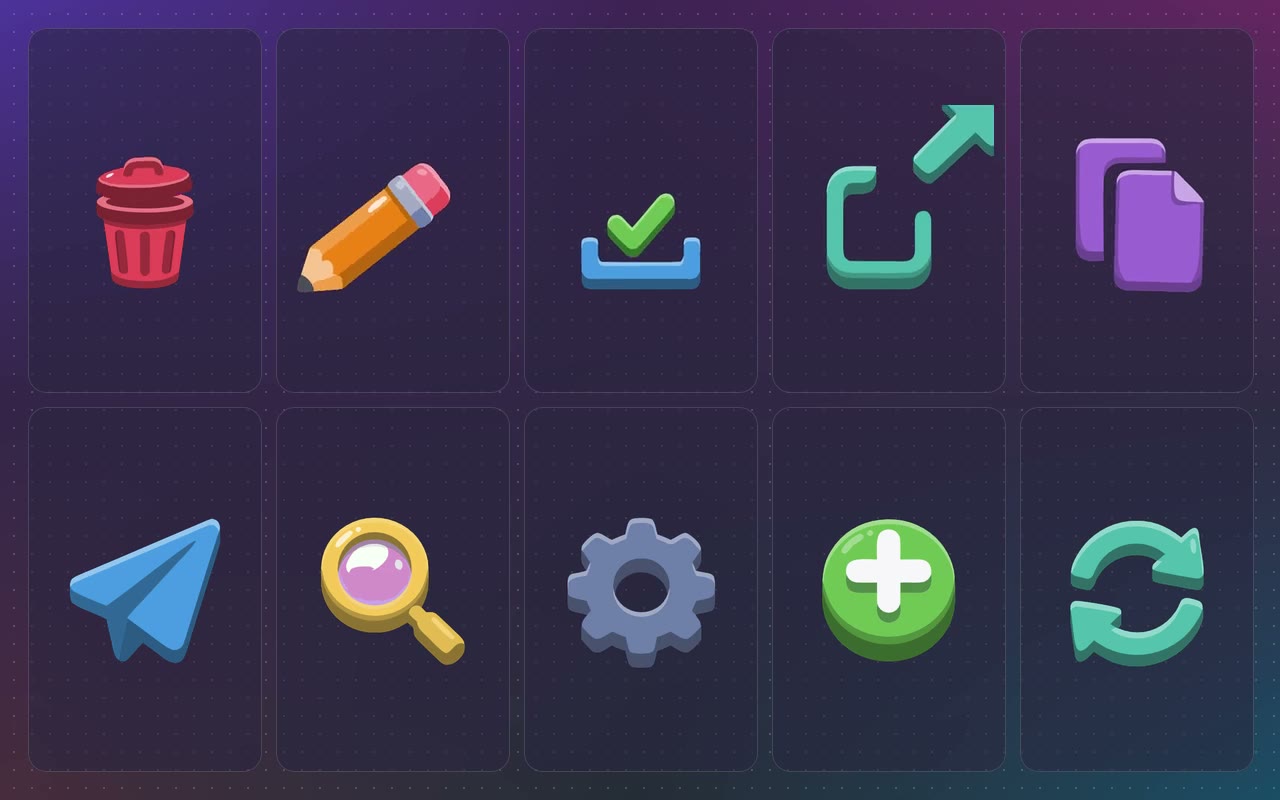
Part of the Action Icon Set: ten juicy 3D icons that play their action when your app fires play, or on a tap. The main colour comes from data and the shading follows it. Every animation ends exactly where it started, so it can play again and again.
- 1One triggerplay is a trigger on the view model. Fire it from your app when the action happens, or let a tap fire it.
- 2The shading follows the colourEvery shaded tone is the bound colour with a light or dark layer on top, so any colour keeps the 3D look.
- 3It loops cleanlyThe last frame matches the first, so firing it twice in a row never jumps.