Progress
Utilities & File Management
Create the Main Screen
Dynamic Weather Buddy
📝 Data Binding Basics - Exrc
🔗 Data Binding Expert - Exrc
☔️ Weather Animation - Rainy
❄️ Weather Animation - Snowy (Exrc)
Scripting & AI Agent
Avatar Redesign & Modular Work
Find the Rive Editor Updates section
Rive updates frequently, so sometimes your screen might look slightly different from the video. Don't worry. The core concepts stay the same. What changes is usually where a button lives or how a panel is organized.
Every lesson has a "Rive Editor Updates" section on the right side of the page. If something looks different, open it. You'll see exactly what changed, with visuals and clear steps.
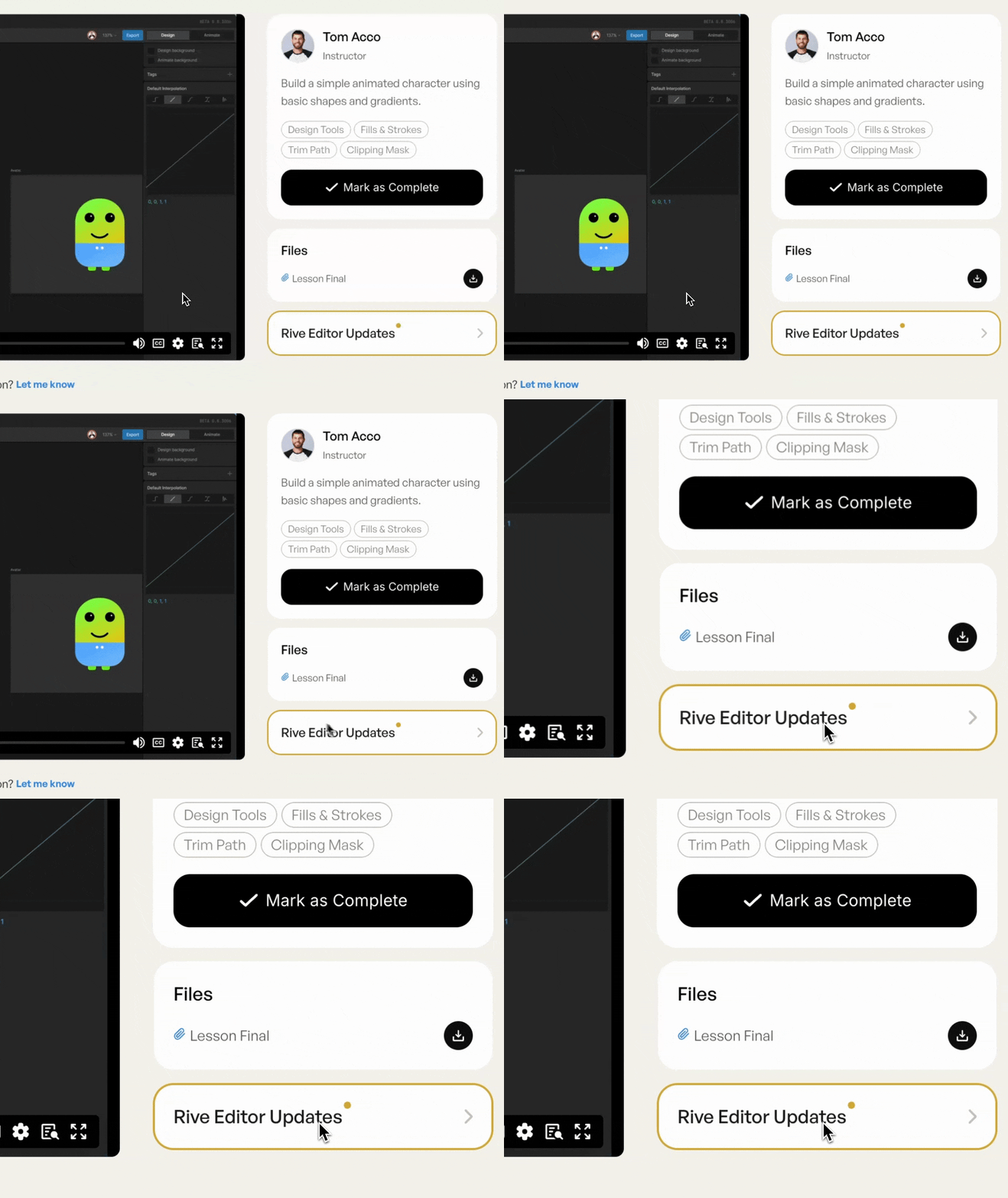
Something not listed? Click "Let me know" below the video. It takes 10 seconds.
That's it. Let's get into it.

Instructor
A quick guide to staying on track when the Rive editor looks different from the video.