100+ LESSONS · 13+ HOURS · PROJECT BASED
Rive Masterclass Curriculum
One project. Every Rive feature. From basic animation and state machines, to data binding and scripting.
Start Learning · $149Start Learning
Full Access
Course Intro
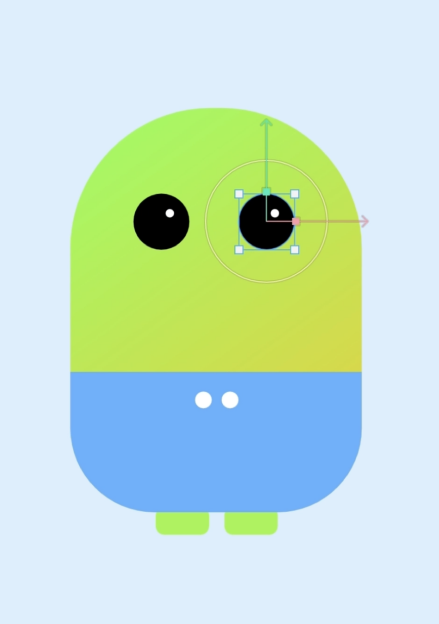
Meet your instructor, set up your workspace, and get an overview of what you'll build.
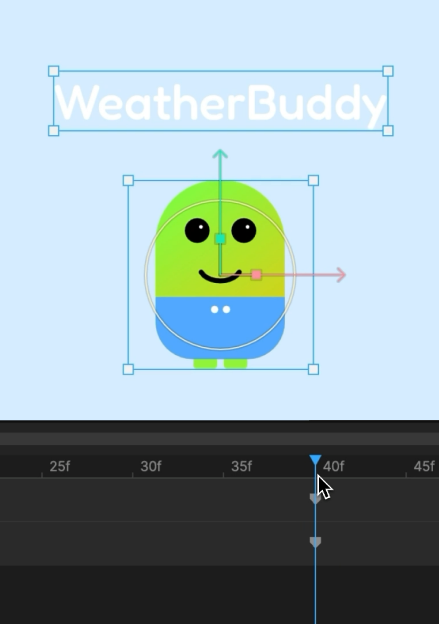
Intro to Rive - Splash Screen Design
Learn Rive's interface and design your first splash screen from scratch.
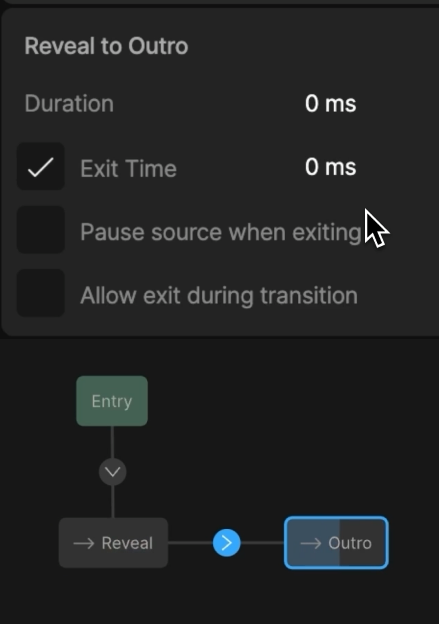
Rive Basics - Splash Screen Animation
Bring your splash screen to life with keyframes, easing, and animation fundamentals.
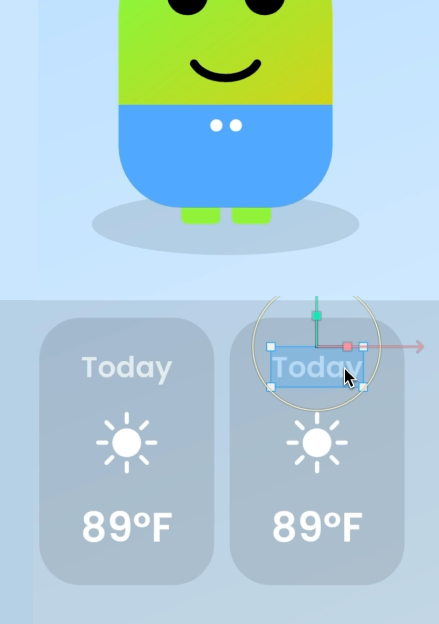
State Machine Basics
Master inputs, listeners, transitions, and layers to make your animations interactive.
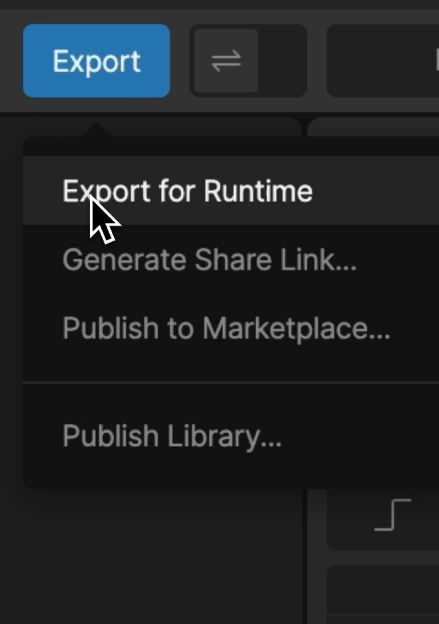
Utilities & File Management
Organize your Rive files and learn essential workflow shortcuts.
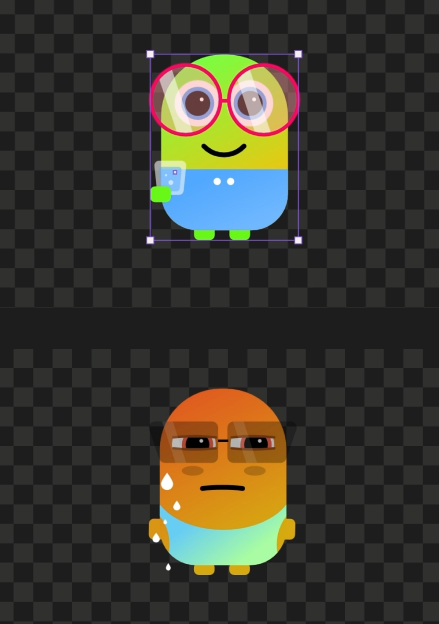
Create the Main Screen
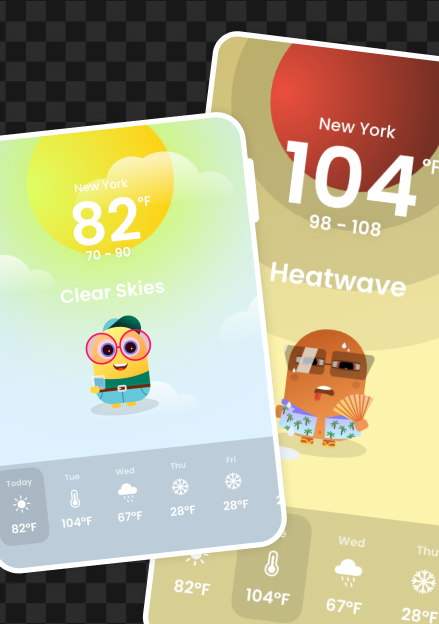
Design and build the Weather Buddy main screen with nested artboards and components.
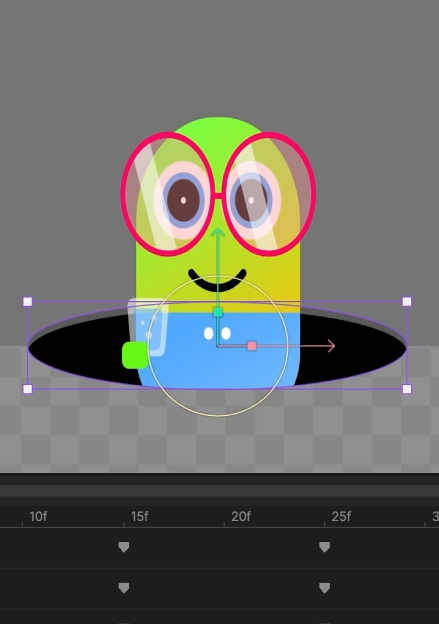
Dynamic Weather Buddy
Add particle systems, weather effects, and dynamic backgrounds that respond to state changes.
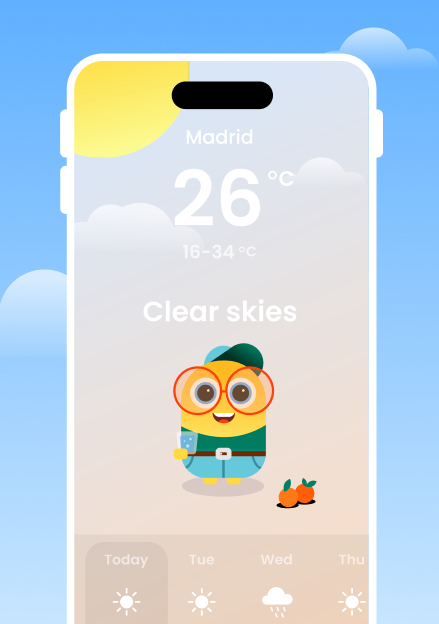
Seamless Weather Transitions
Create smooth transitions between weather states using blend states and advanced timelines.
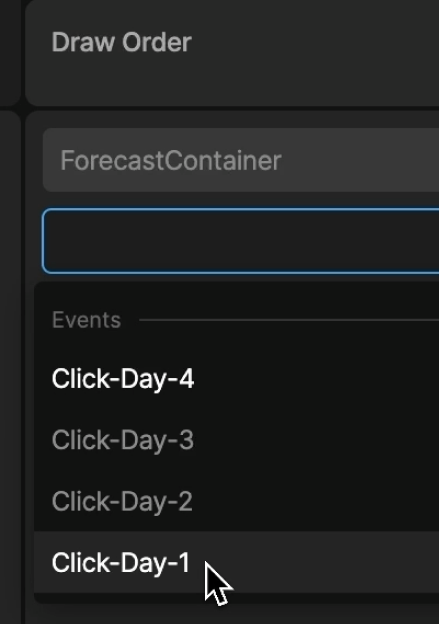
Custom Events
Fire and listen for custom events to coordinate animations across artboards.
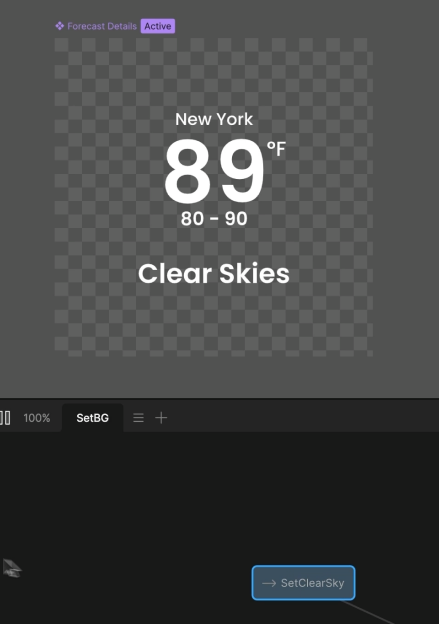
Data Binding Basics
Connect live data to your Rive animations with view models and property bindings.
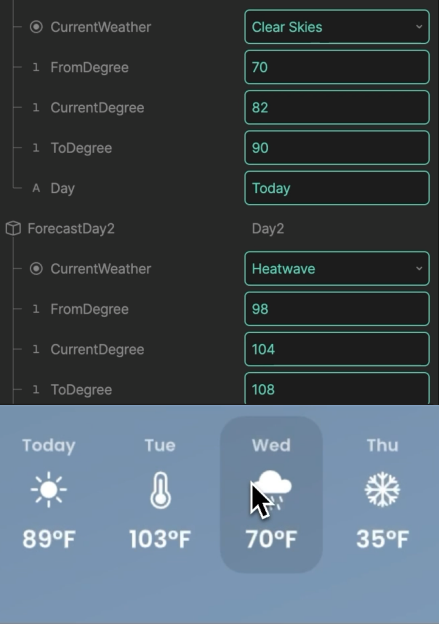
Data Binding Advanced
Go deeper with nested view models, lists, and complex data structures.
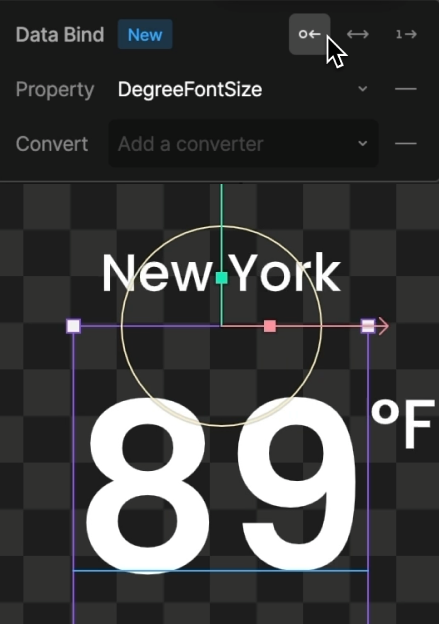
Data Binding Expert
Handle enums, conditional logic, and real-time data updates in your animations.
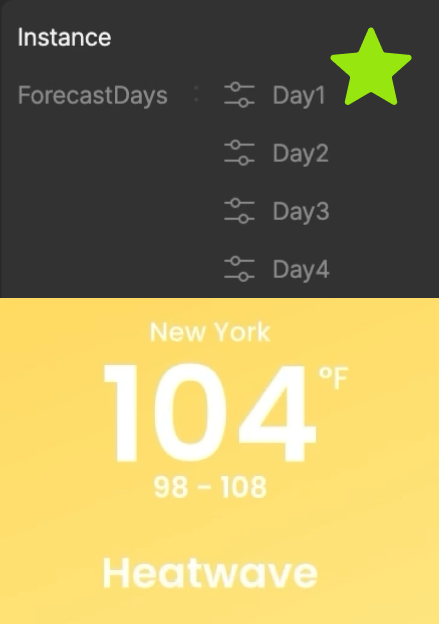
Data Binding Master
Master advanced patterns like dynamic lists, color binding, and multi-property coordination.
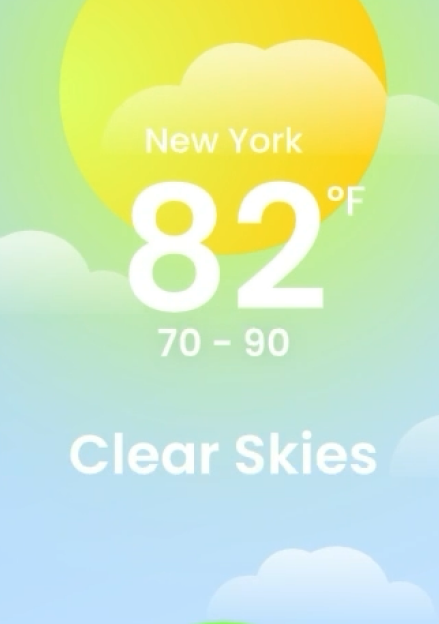
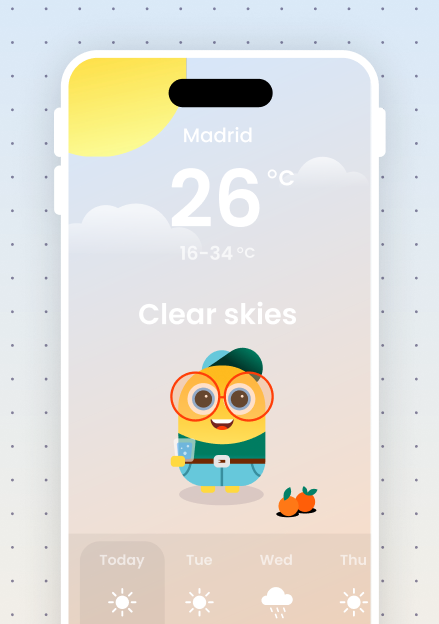
Weather Animations - Clear Skies
Build sunny weather animations with sun rays, clouds, and clear sky effects.
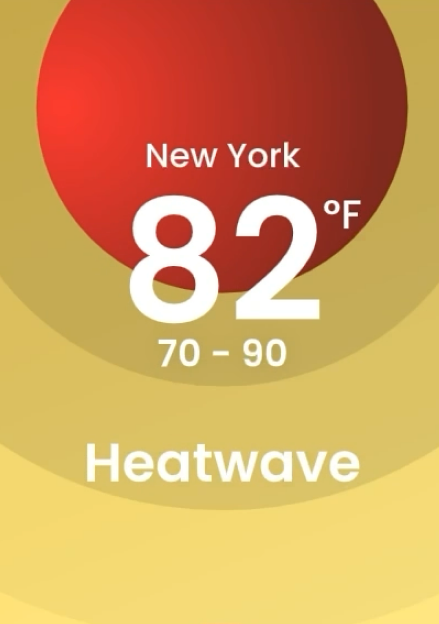
Weather Animations - Heatwave
Create heat shimmer effects, intense sun animations, and scorching weather visuals.
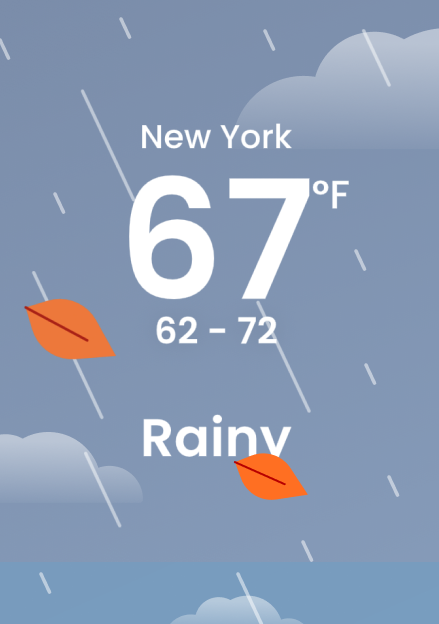
Weather Animations - Rainy
Animate rain drops, puddles, and overcast skies with layered particle effects.
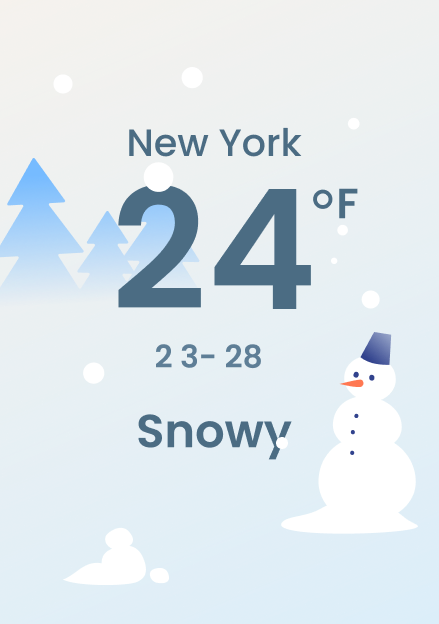
Weather Animations - Snowy
Design snowfall particles, frost effects, and cold weather atmosphere.
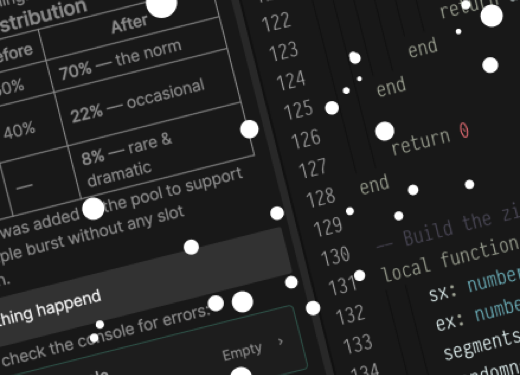 Scripting
Scripting
A bonus intro to Rive Scripting: build a snow particle system with Node Scripts and the AI agent.
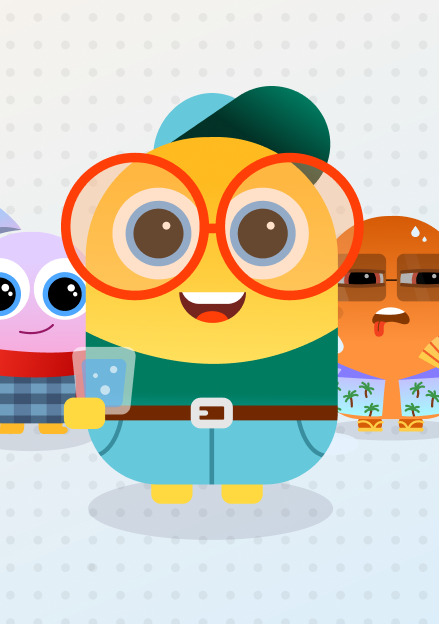
Avatar Redesign & Modular Work
Redesign the Weather Buddy avatar with a modular approach for easy customization.

Unique Avatar Personality
Give your Weather Buddy character unique reactions and personality-driven animations.
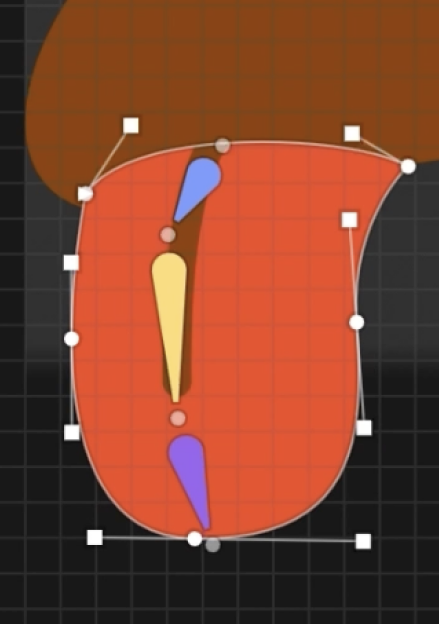
Intro to Rigging
Learn the basics of rigging with Bones to reshape and animate the tongue, scarf, and clothing.
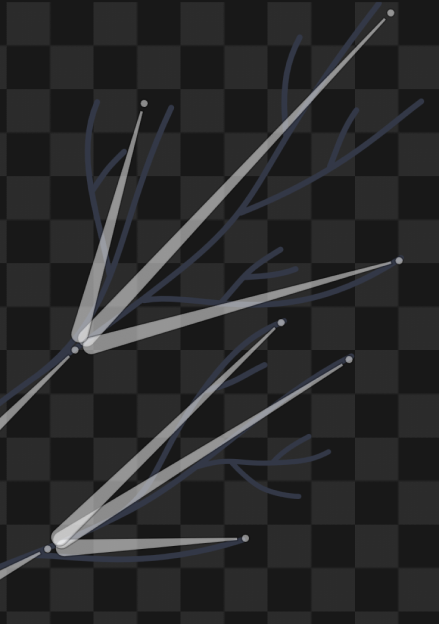
Advanced Rigging
Take rigging further with a multi-bone hierarchy to animate a chain of tree branches.
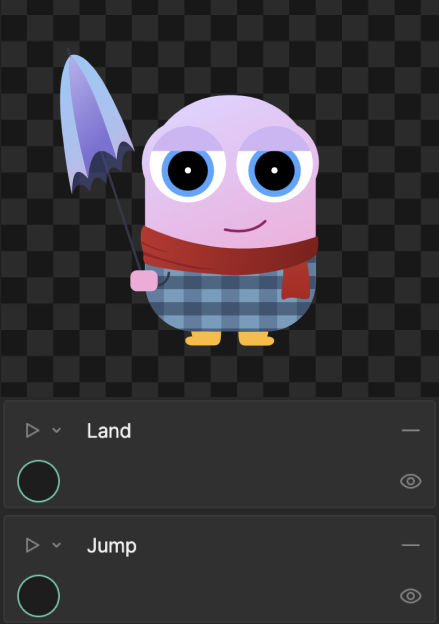
Advanced Component Communication
Coordinate animations across components by passing state and events between nested artboards.
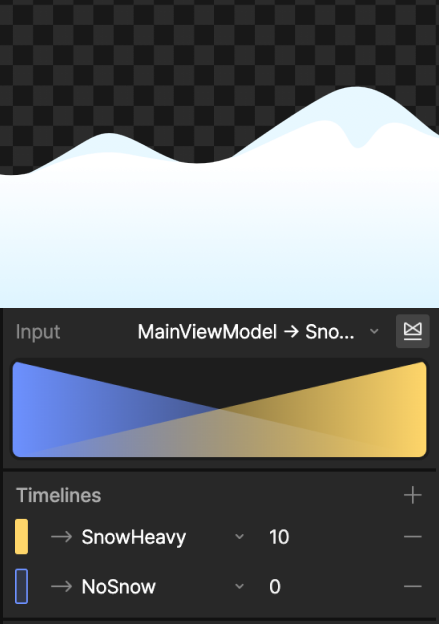
Animation Blending
Blend between animation states smoothly with additive blending, driven by live data.
Responsive Animations
Make your whole app adapt to any screen with Rive Layouts, fit modes, and scroll.
Launch your App
Export your Rive file and watch your Weather Buddy run live on a real device.